
Use cases
School mascot generator: one character for the whole school year
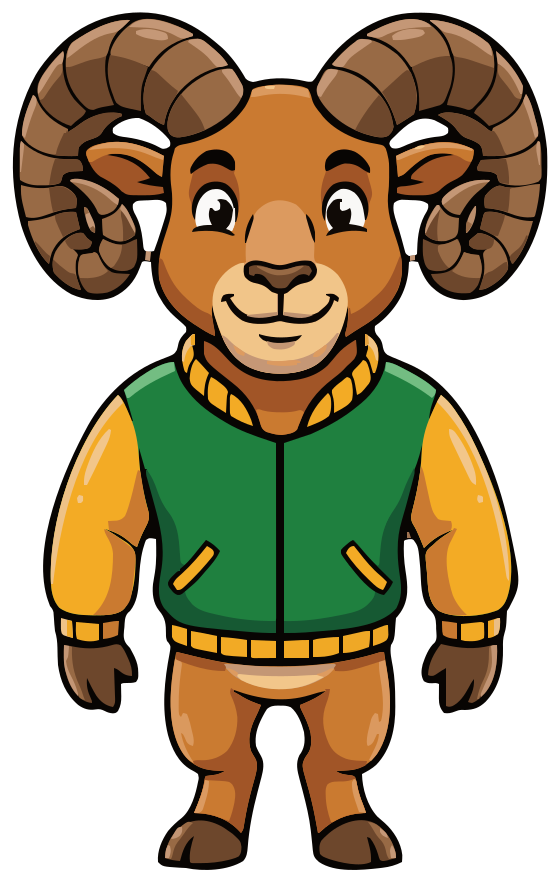
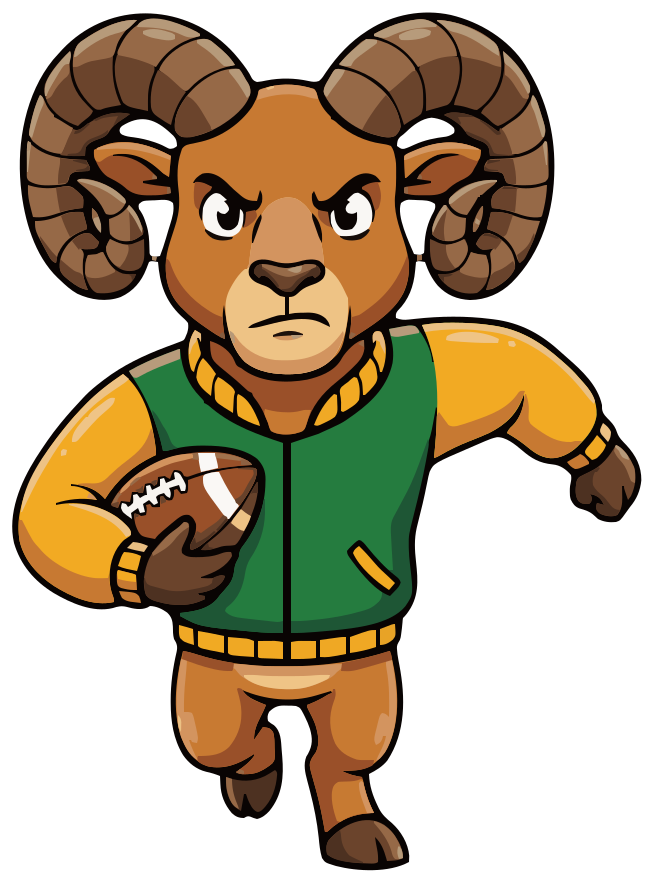
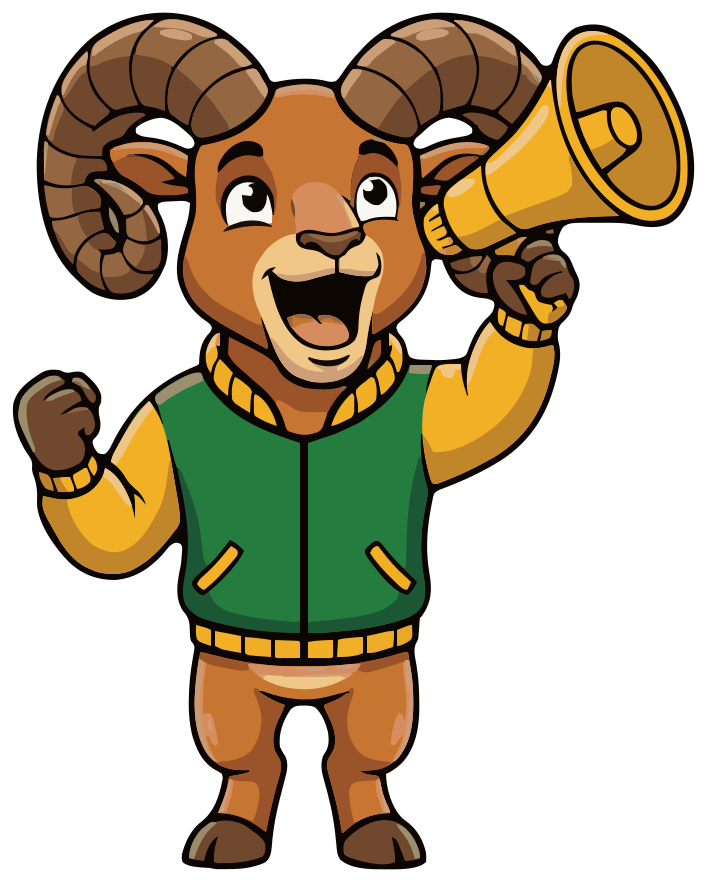
Meet Rory. One sentence typed into SVG Mascot, an AI mascot generator, made the ram, and every pose after it is drawn from that same character: running the ball on game day, leading the pep rally, on the honor roll and at graduation. A school mascot does far more than stand on the football field, so here is the whole set, unedited.
- One ram for sports and academics
- Matching poses, same colors
- SVG · PNG · WebP
Free to try with watermarked previews · Plans from $19/month · Cancel anytime
Base
How it was made
How to make a school mascot
This is how Rory was made in SVG Mascot: one prompt for the character, one per pose, and one crop for the icon. No retouching and no redraws.
- 1
Describe the character
Say what it is, what it wears, your school colors and the attitude. “No letters” matters: a generated letter on the sweater could look like another school's mark. The prompt asked for a sweater and got a green varsity jacket with gold sleeves, which was close enough to keep.
Prompt“a proud, friendly bighorn ram school mascot in a green and gold varsity sweater with no letters, standing tall with a confident smile”
- 2
Pick your favorite draft
Rory is the first draft that prompt produced. Choosing him as the base (the app calls it locking in) means every pose is drawn from him.
V1 · Locked in - 3
Add a pose for each part of the year
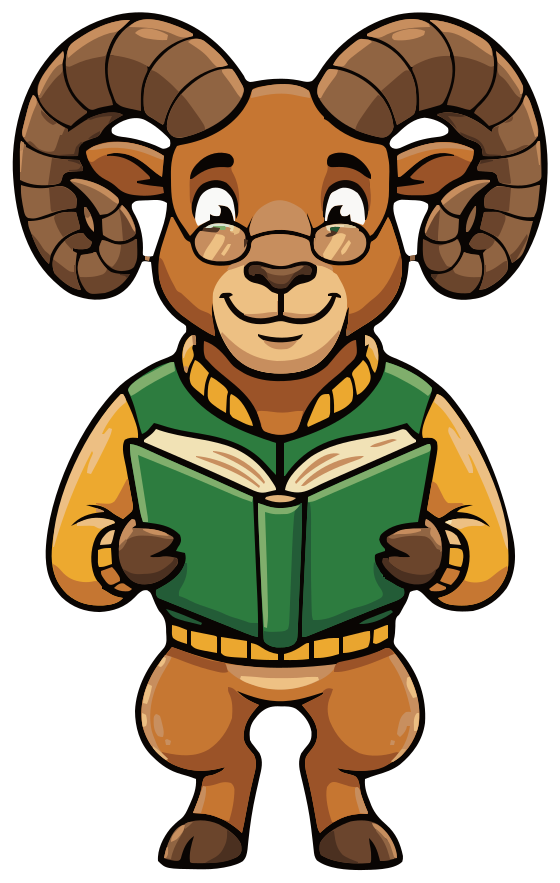
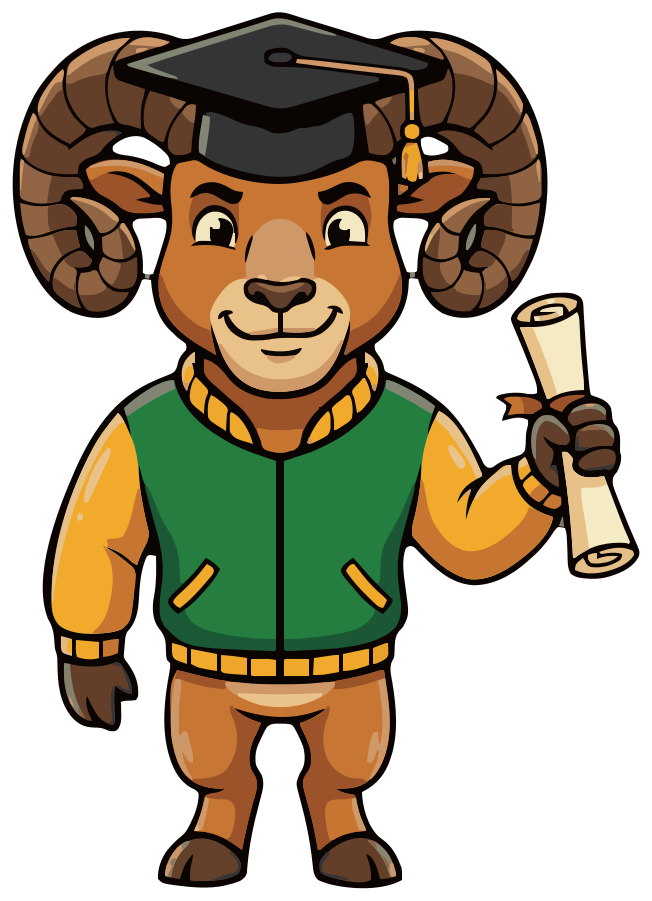
One short prompt each: football for game day, a megaphone for spirit week, a book for the honor roll, a cap and diploma for graduation. The jacket, the horns and the colors carry over because every pose starts from the same base.
-
- 4
Crop an icon if the pose won't come
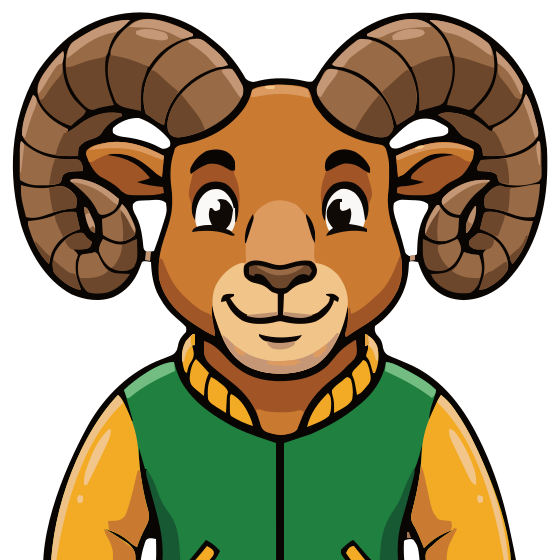
The icon pose did not work here. We asked twice for “head and shoulders only, facing forward, confident smile, like a school crest” and got a full-body ram both times. So the icon is a crop of the base instead: in the SVG file, the viewBox changed from 232 64 560 882 to 232 64 560 560, which keeps the top of the drawing. You can make the same one-line edit in any text editor, or crop the artboard in Figma, Illustrator or Inkscape. It costs no credits.
- 5
Set the school name in your design tool
Upload the SVG to Canva, or open it in Figma, Illustrator, Inkscape or Affinity Designer, and set the name beside or under the mascot. That is how the lockups below were made.
- 6
Download the files
Every pose comes as SVG, high-resolution PNG and WebP. Downloads need a paid plan; on the free plan you see watermarked previews.
Rory on a jersey, the spirit-wear shop and the honor roll
A school puts its mascot on the gym wall, the team jersey, the booster club's shop, the newsletter and the parent group chat. With one character in several poses, the honor roll sticker and the game-day shirt look like the same school.
Hollowbrook Rams
Middle school athletics
Rams Spirit Shop
Hollowbrook boosters
 Hollowbrook Rams ×
Spirit shirt
Hollowbrook Rams
@hollowbrookpta · Parent group avatar
 Sticker
Hollowbrook Rams, Rams Spirit Shop and the Hollowbrook honor roll are made-up names, typeset here in Fredoka, and the tab, shirt, avatar and sticker are illustrative mockups. SVG Mascot draws no text; Rory is unedited output from one project.
Vector, not pixels
From the website tab to the gym banner
The same mascot has to work as a 16-pixel icon in a browser tab and across a banner on the bleachers. Below are the real files drawn at the sizes they ship at, from 16 to 256 pixels.
At 64 pixels and below, the full-body Rory loses his face, so the small sizes use the head-and-shoulders crop: the curled horns and the green collar still read at 32. Both are vectors, so every size is drawn sharp from the same file.
-
16 px
Browser tab
-
32 px
Favicon
-
64 px
Parent group avatar
-
128 px
Newsletter header
-
256 px
Shirts and banners
Browsers draw these from the SVG at each size. Print scales the same way: the file has no pixel size to run out of.
School mascot ideas for every level and sport
Each one is the first draft of the prompt under it, unedited.
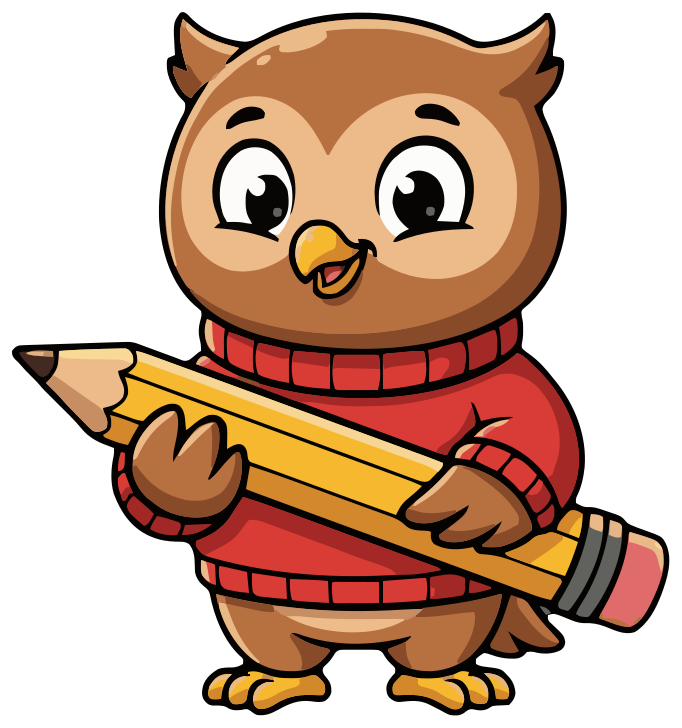
Elementary school
“a cheerful little owl school mascot in a red sweater holding a big yellow pencil, friendly and kind”
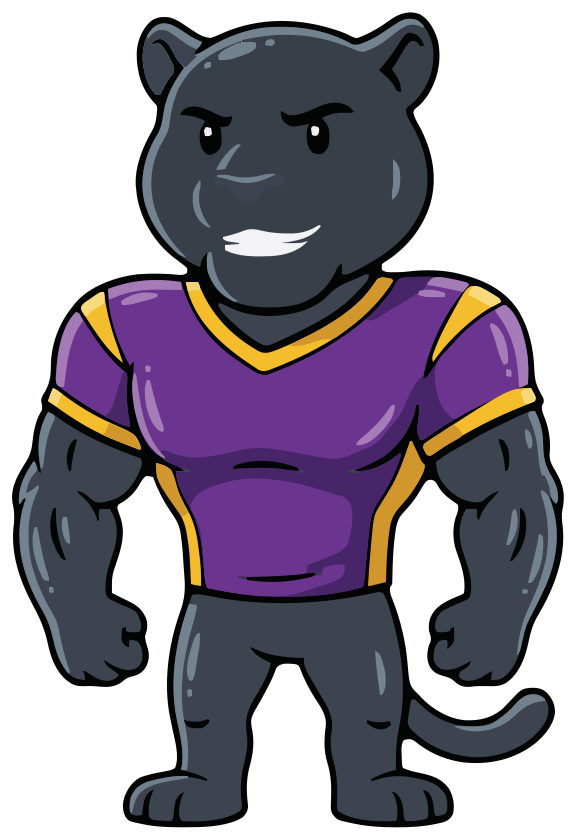
High school football
“a strong black panther school mascot in a purple and gold football jersey with no numbers, confident grin”
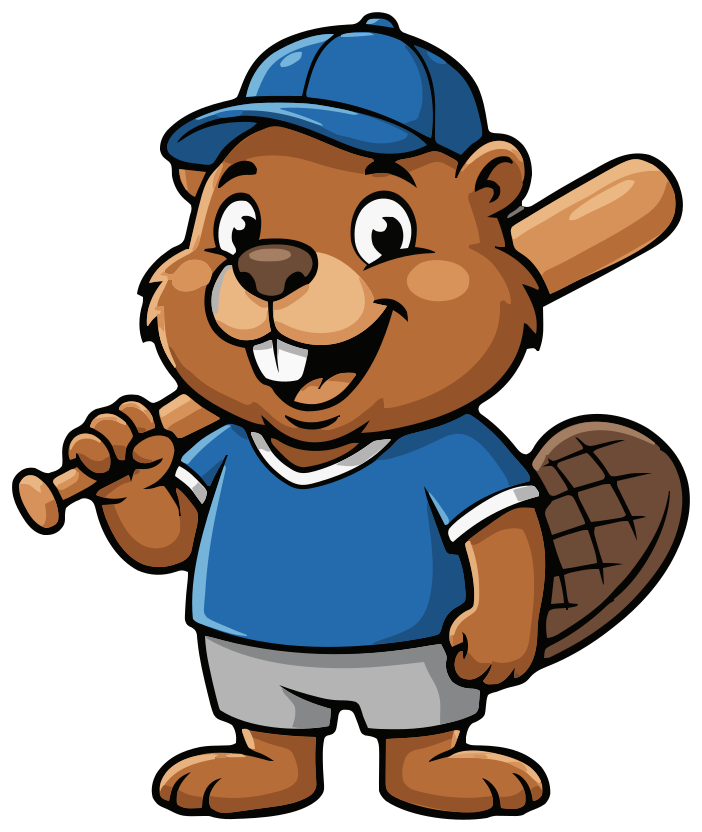
Little league
“a friendly beaver baseball mascot in a blue cap, holding a baseball bat over his shoulder, big smile”
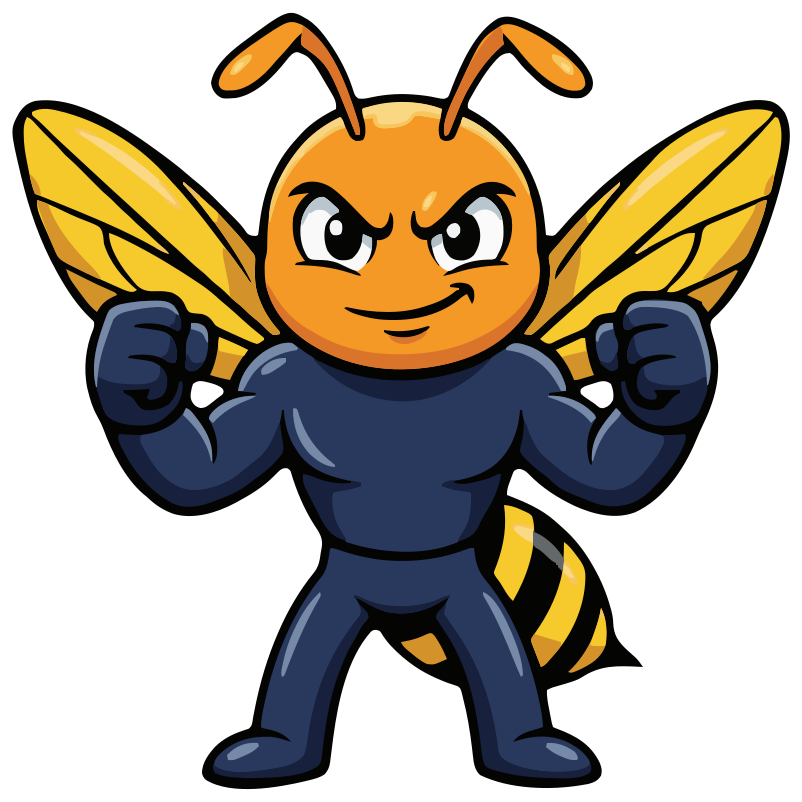
College team
“a proud orange and navy hornet college mascot with clenched fists, ready to play, determined look”
Choosing a school mascot
- 1 Start from something local: an animal from your hills or river, the school's founding story, a nickname students already use.
- 2 Pick an attitude that fits every age you serve. Proud and friendly works for a kindergarten class and a varsity team; snarling does not.
- 3 Make it your own. Don't copy a real school's or pro team's mascot, and add one detail of yours: an outfit, a color pair, a prop.
- 4 Plan the set before you start: the main pose, an icon for small spaces, and the three or four moments your school celebrates every year.
- 5 Keep text out of the mascot. The school name and the year go beside it, where you can change them.
Animals, not people
Choose an animal, an object or a local landmark, never a people or a culture. Mascots based on Native American and other cultures turn real communities into a costume, and several US states have passed laws retiring them from public schools. A ram, an owl or a hornet can carry all the pride a school needs.
Letting students vote
A mascot sticks when students feel it is theirs. Collect ideas, write a prompt for the two or three favorites and show the drafts in class or on the morning announcements. The free plan's drafts are watermarked previews, which is fine for a vote; lock in the winner once you have one.
School colors, shirts and banners
Put your school colors in the prompt, as Rory's “green and gold” was. Colors you lock in with the base carry over to every pose, so the football shirt and the honor roll sticker match.
Screen printers usually charge per color and per print location, so a mascot with few main colors is cheaper to print. Rory has five main color families (see the palette above); merge similar shades in a vector editor if a shop asks for fewer. Embroidery is priced mostly by stitch count, and fine detail such as the ridges on Rory's horns may need simplifying for a small chest logo.
Printers and banner shops ask for vector artwork because they scale it to the exact size of the job, whether a sticker or a 4-by-8-foot banner for the gym. The SVG is that artwork. If a shop asks for PDF or EPS, open the SVG in Illustrator or Inkscape and export it.
FAQ
School mascot questions
Can students vote between drafts?
Yes. Generate a few drafts and show them to the class before you choose one as your base. On the free plan you get 3 drafts as watermarked previews, which is enough for a small vote; every pose after that is drawn from the winner.
Can SVG Mascot put our school name on the mascot?
No. SVG Mascot draws the character only, with no text. Upload the SVG to Canva, or open it in Figma, Illustrator or Inkscape, and set the school name in your font, as in the lockups above.
Can we print it on spirit wear and trademark it?
Mascots you download are yours to use in personal and commercial projects, including logos and merch, with no attribution required. AI output can resemble existing works, so check that your logo does not infringe anyone's trademark before you register it.
Can we get a version for each sport?
Yes, as variations of your base: one short prompt per sport, such as dribbling a basketball or swinging a bat, at 2 credits each. Poses do not always follow the prompt to the letter; if one misses, generate another variation.
Can we match our school colors?
Name the colors in your prompt, or iterate on a draft until they are right before you pick it as your base. After downloading, you can also recolor any shape in a vector editor.
How much does a school mascot set cost?
A draft costs 2 credits, choosing it as your base mascot 10 and each pose 2, so a base with four poses like Rory's is 20 credits; his icon is a crop and costs nothing. The Creator plan includes 60 credits a month for $19, and you can cancel it anytime in Settings. Before you pay, the free plan gives you 3 drafts, 3 variations and 1 base, as watermarked previews.
See plans and credit costs