
Use cases
Food mascot logo: one character from the menu to the takeaway bag
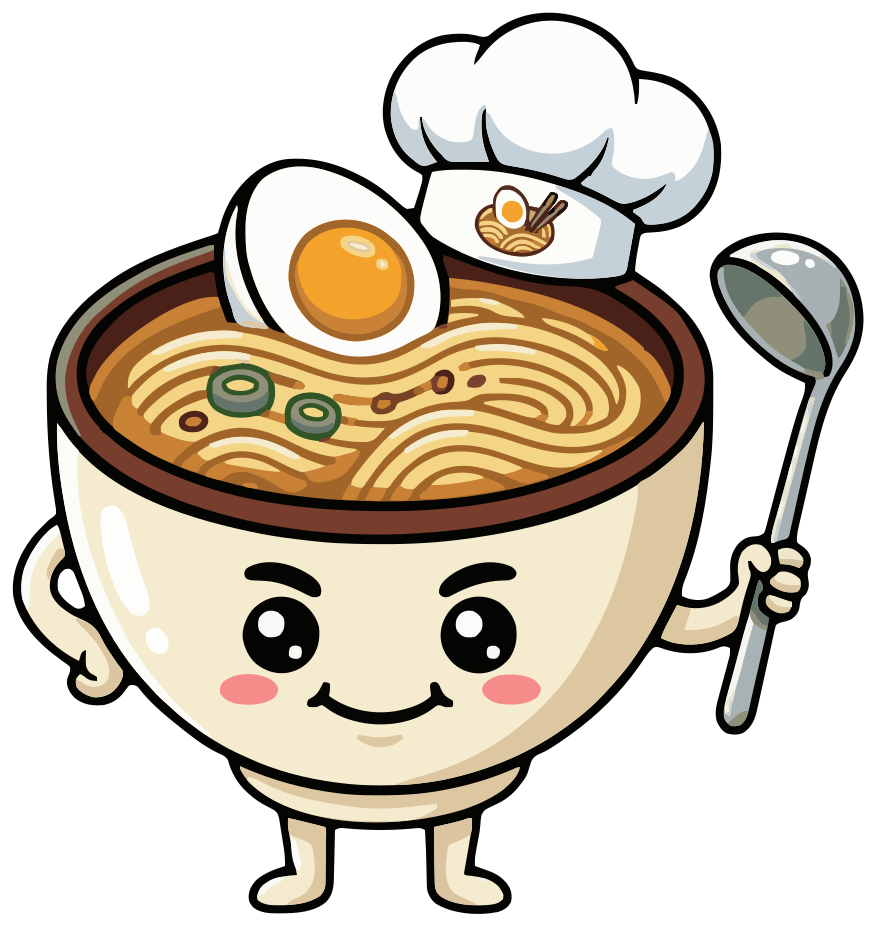
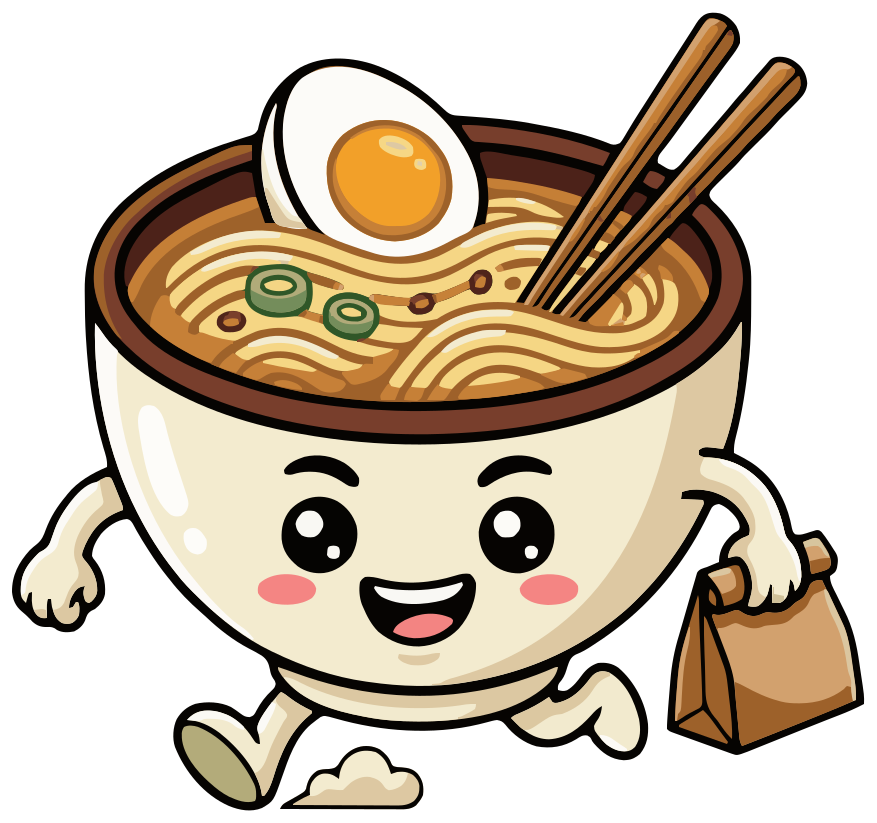
Meet Miso. One sentence typed into SVG Mascot, an AI mascot generator, made the ramen bowl, and every pose after it is drawn from that same character: a close-up for the logo and the delivery app, a wave on the menu, a chef hat for the kitchen, a takeaway bag for orders and a thumbs up for reviews. Here is the whole set, unedited.
- A logo face for small spaces
- Poses for menu, takeaway and reviews
- SVG · PNG · WebP
Free to try with watermarked previews · Plans from $19/month · Cancel anytime
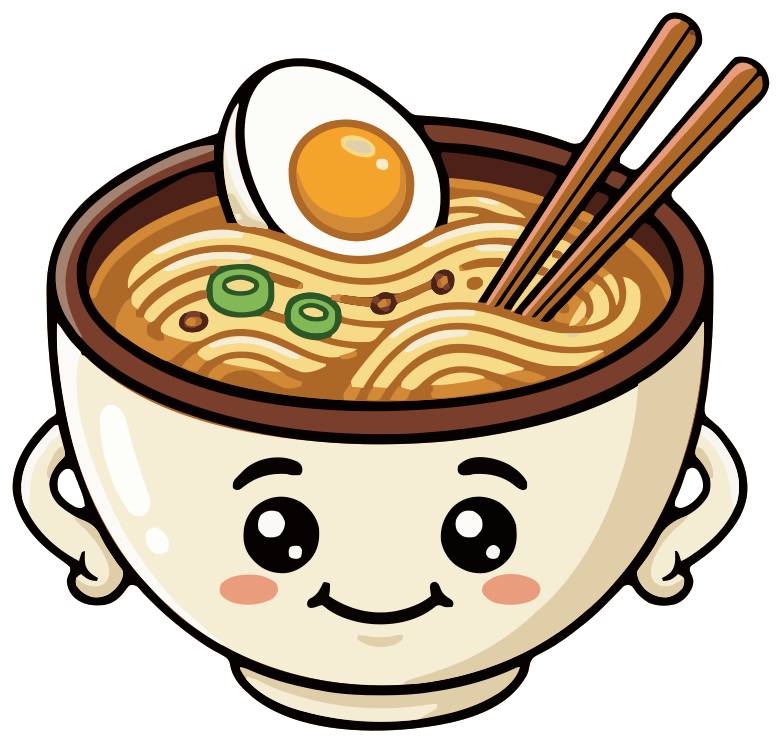
Base
How it was made
How to create a mascot for a restaurant
This is how Miso was made in SVG Mascot: one prompt for the character and one per pose. No retouching and no redraws.
- 1
Describe the dish
Make the mascot the thing you are known for, and name the details that make it yours. A noodle bar got a ramen bowl with the egg and the chopsticks, because those are what people picture.
Prompt“a cheerful ramen bowl mascot with big friendly eyes, rosy cheeks, tiny arms, a pair of chopsticks resting in the noodles and a soft-boiled egg on top”
- 2
Pick your favorite draft
That prompt gave three drafts, each a slightly different bowl. Miso is the one we chose as the base (the app calls it locking in), so every pose is drawn from it.
Locked in - 3
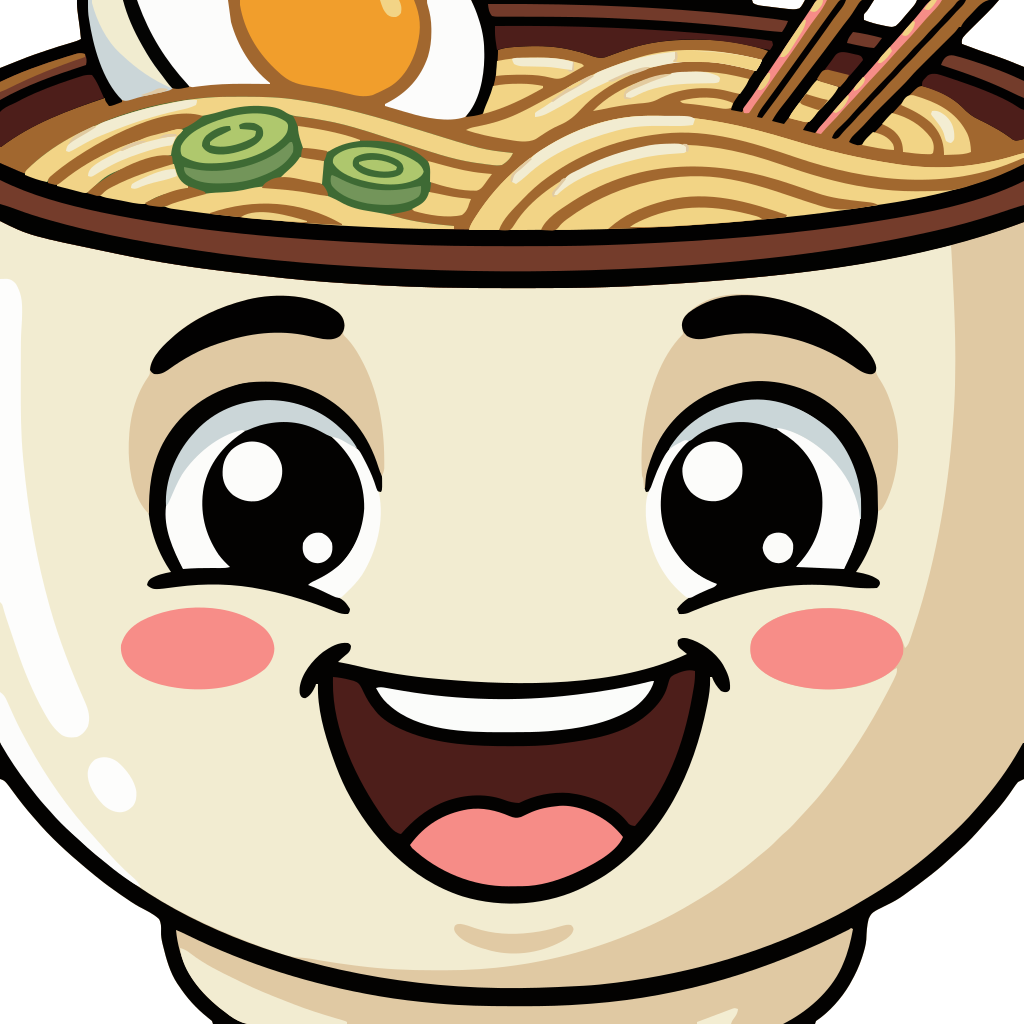
Ask for a close-up for the logo
A whole bowl gets small fast on a delivery app tile or a round avatar, so we asked for the face alone. We ran it twice: one came back with a tuft of hair on top, which no bowl has, so we kept the other. If a pose misses, generate another.
Prompt“close-up of just the face and the top of the bowl, facing forward, big smile, like a restaurant logo”
- 4
Add a pose for each place it appears
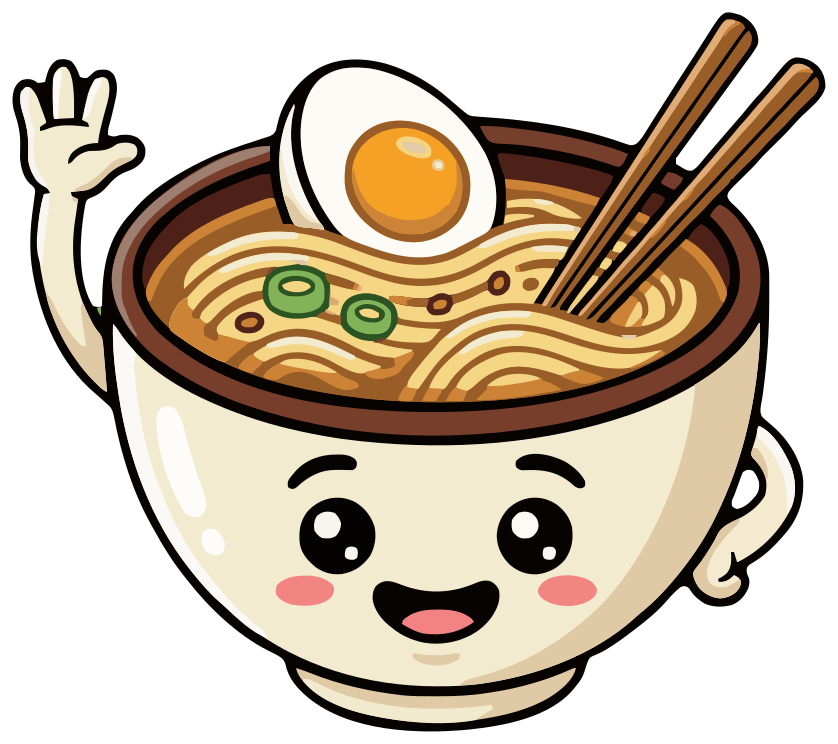
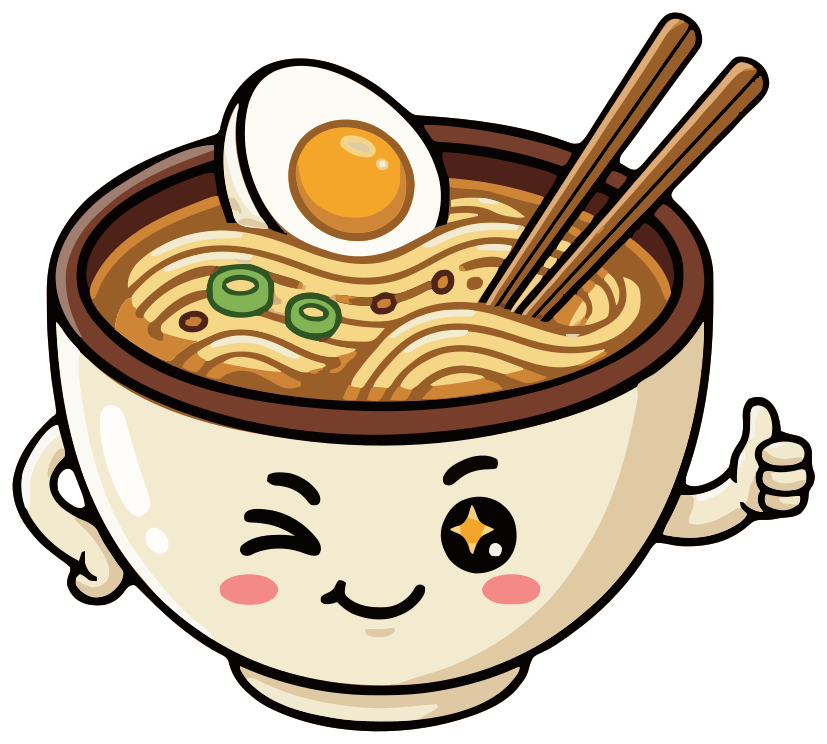
One short prompt each: a wave for the menu, a takeaway bag for orders, a chef hat for the kitchen and a thumbs up for reviews. The egg, the chopsticks and the cream bowl carry over because every pose starts from the same base.
-
- 5
Set the restaurant name in your design tool
Upload the SVG to Canva, or open it in Figma, Illustrator, Inkscape or Affinity Designer, and set the name beside or under the mascot. That is how the lockups below were made.
- 6
Download the files
Every pose comes as SVG, high-resolution PNG and WebP. Downloads need a paid plan; on the free plan you see watermarked previews.
Miso on the sign, the menu and the loyalty card
Follow one evening. A guest finds Slurpwell in a delivery app by Miso's face, opens the menu and Miso waves. The order leaves in a bag with Miso carrying one on the sticker, the staff wear the chef pose on their aprons, and the loyalty card stamps a thumbs up. Every one of those is the same character.
Slurpwell
Ramen & noodle bar
Slurpwell
Ramen · Gyoza · Bao
 Slurpwell ×
Apron patch
Slurpwell
@slurpwell · Delivery app
 Takeaway bag
Slurpwell and Slurp Club are made-up names, typeset here in Fredoka, and the tab, patch, avatar and sticker are illustrative mockups. SVG Mascot draws no text; Miso is unedited output from one project.
Vector, not pixels
From the delivery app tile to the window
A food mascot logo has to work as a 32-pixel tile in a delivery app and on a window sticker a meter wide. Below is the close-up, Miso's logo pose, drawn at the sizes it ships at, from 16 to 256 pixels.
The close-up fills its square, so the face reads from 32 pixels up, where the whole bowl would already be a smudge. Use the close-up for every small, square place and the full-body poses where there is room.
-
16 px
Browser tab
-
32 px
Delivery app tile
-
64 px
Social avatar
-
128 px
Menu header
-
256 px
Signs and stickers
Browsers draw these from the SVG at each size. Print scales the same way: the file has no pixel size to run out of.
Food mascot ideas for other menus
Each one is a first draft of the prompt under it, unedited.
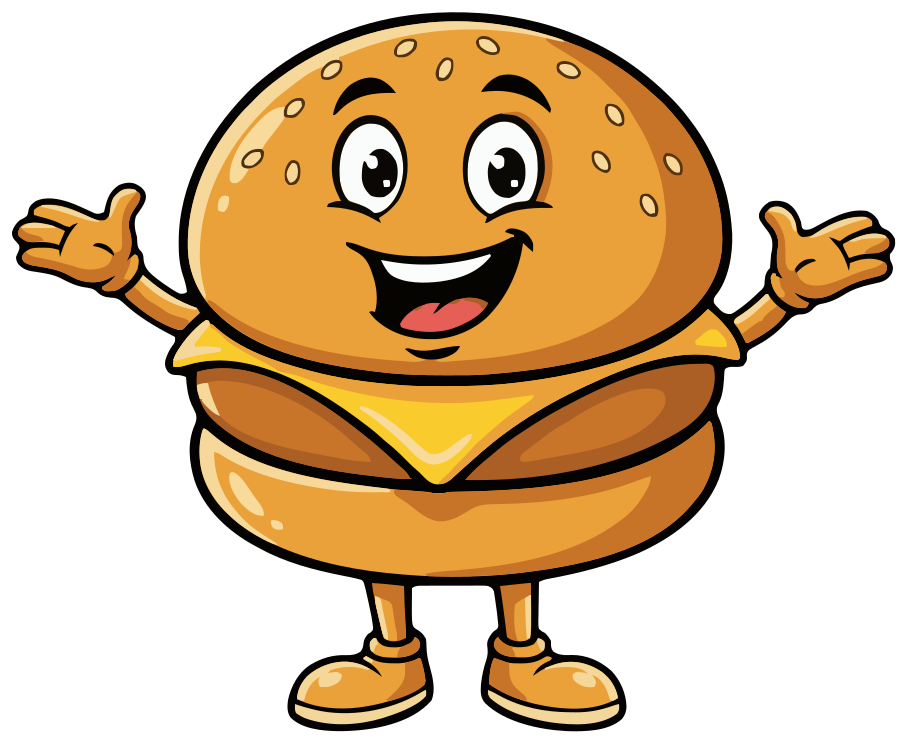
Burger restaurant
“a happy cheeseburger mascot for a burger restaurant, with big eyes, a big grin and little arms”
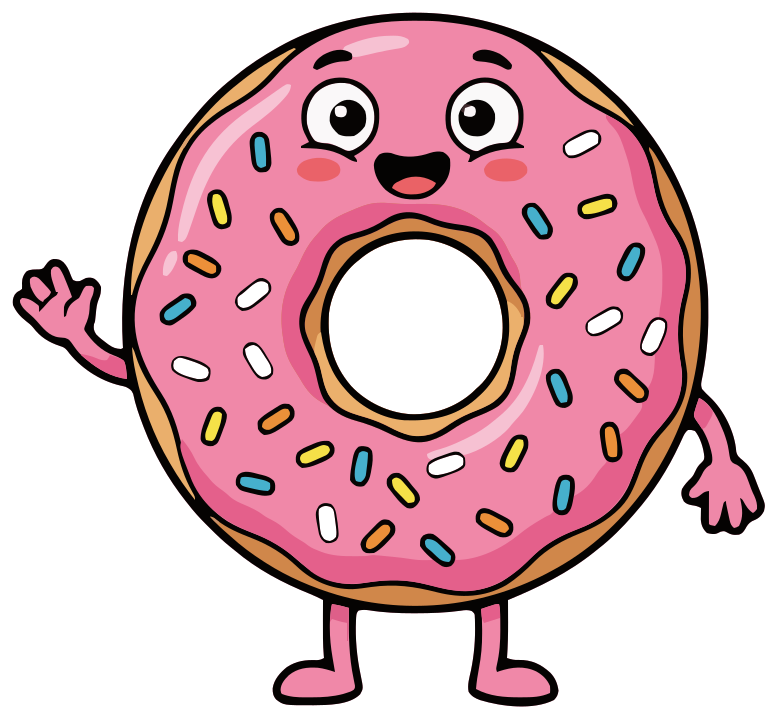
Bakery
“a smiling pink donut mascot with sprinkles for a bakery, with big eyes and tiny arms”
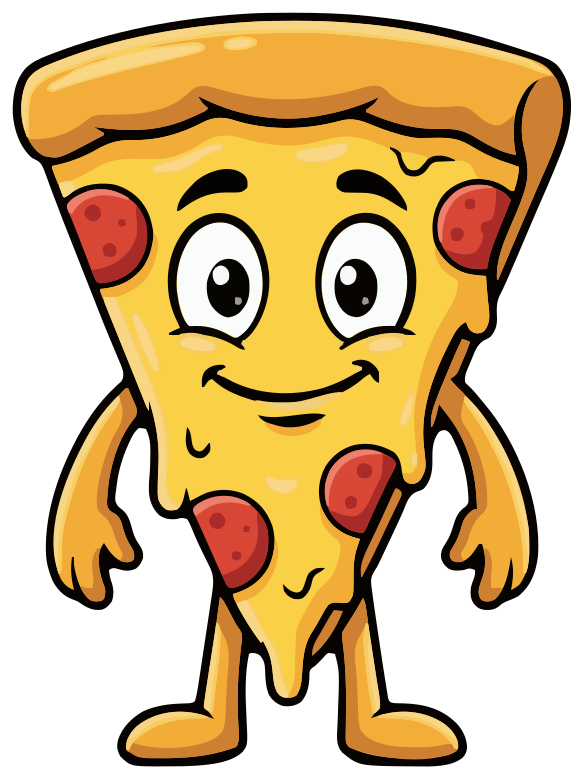
Pizzeria
“a friendly pizza slice mascot for a pizzeria, with big eyes, a wide smile and little arms”
What makes a good food mascot
- 1 Make it your signature dish. A ramen bowl for a noodle bar, a slice for a pizzeria: guests get it without a caption.
- 2 Name the details that make it yours. The egg and the chopsticks say ramen; a plain bowl could be soup.
- 3 Make it look tasty. Warm colors and a happy face read as food you want; a grey or grumpy dish does not.
- 4 Plan a close-up from the start. Delivery apps and social profiles crop everything to a small square.
- 5 Keep text out of the mascot. The name, the prices and today's special go beside it, where you can change them.
Where a restaurant uses its mascot
Start from the places guests already see you, and give each one a pose. For a noodle bar like Slurpwell that is:
- Delivery app listing and social profile: the close-up, which still reads as a small square.
- Menu, website header and the sign: the base, or a wave for the welcome.
- Takeaway bags, boxes and stickers: the takeaway pose, so the order says who it is from.
- Staff aprons, T-shirts and the kitchen window: the chef pose.
- Loyalty cards, review requests and “thank you” posts: the thumbs up.
- Opening hours, holidays and specials: add a pose when you need one, from the same base.
Mistakes to avoid
- Copying a famous chain's character, even loosely. Make yours original and add one detail of your own.
- Food that looks sad or unappetizing. Ask for a happy face and warm colors, and skip a pose that comes back looking grey.
- Too much detail for small uses. Fine sprinkles and textures vanish on a 32-pixel tile and cost more on embroidery.
- Basing it on a real person, such as the owner or the chef. Use the dish, an animal or an invented character.
Sign makers, printers and bag suppliers ask for vector artwork, because they scale it to the exact size of the job. The SVG is that artwork. If a supplier asks for PDF or EPS, open the SVG in Illustrator or Inkscape and export it.
FAQ
Food mascot questions
Can SVG Mascot put my restaurant's name on the mascot?
No. SVG Mascot draws the character only, with no text. Upload the SVG to Canva, or open it in Figma, Illustrator or Inkscape, and set the name in your font, as in the lockups above.
Will it work as a delivery app logo?
Ask for a close-up of the face, as we did for Miso: it fills a square and still reads at 32 pixels. Export the PNG at the size each app asks for.
Can I print it on bags, boxes and aprons?
Yes. The SVG is vector artwork, so it prints sharp at any size. For embroidery or screen printing, a simpler pose with fewer small details works best; your supplier can tell you their limits.
Can I add seasonal or special poses later?
Yes. Your base stays locked in its project, so you can come back anytime and add a variation, such as a winter scarf for a new menu or a party hat for your anniversary, at 2 credits each. Poses do not always follow the prompt to the letter; if one misses, generate another variation.
Can I use it commercially and trademark it?
Mascots you download are yours to use in personal and commercial projects, including logos, signs, packaging and merch, with no attribution required. AI output can resemble existing works, so check that your logo does not infringe anyone's trademark before you register it.
How much does a restaurant mascot set cost?
A draft costs 2 credits, choosing it as your base mascot 10 and each pose 2, so a base with five poses like Miso's is 22 credits. The Creator plan includes 60 credits a month for $19, and you can cancel it anytime in Settings. Before you pay, the free plan gives you 3 drafts, 3 variations and 1 base, as watermarked previews.
See plans and credit costs