
Use cases
Mascot logo maker: one character for every size
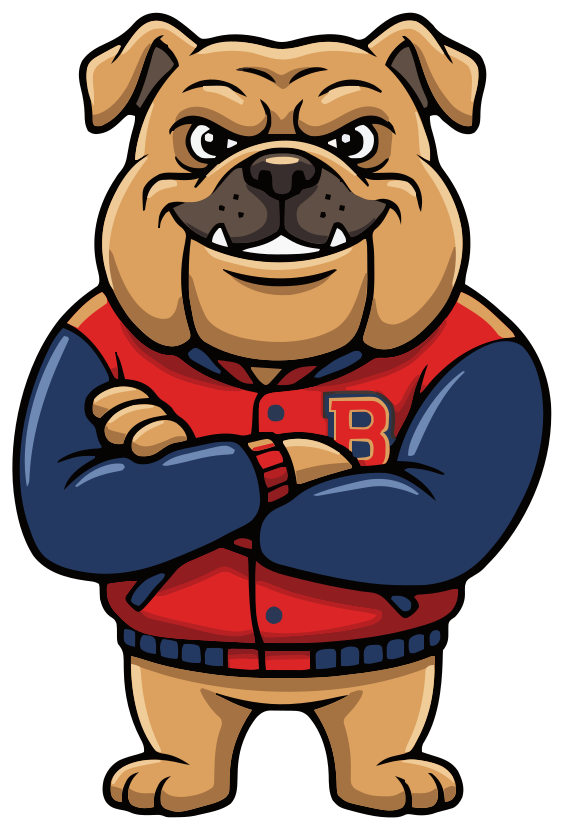
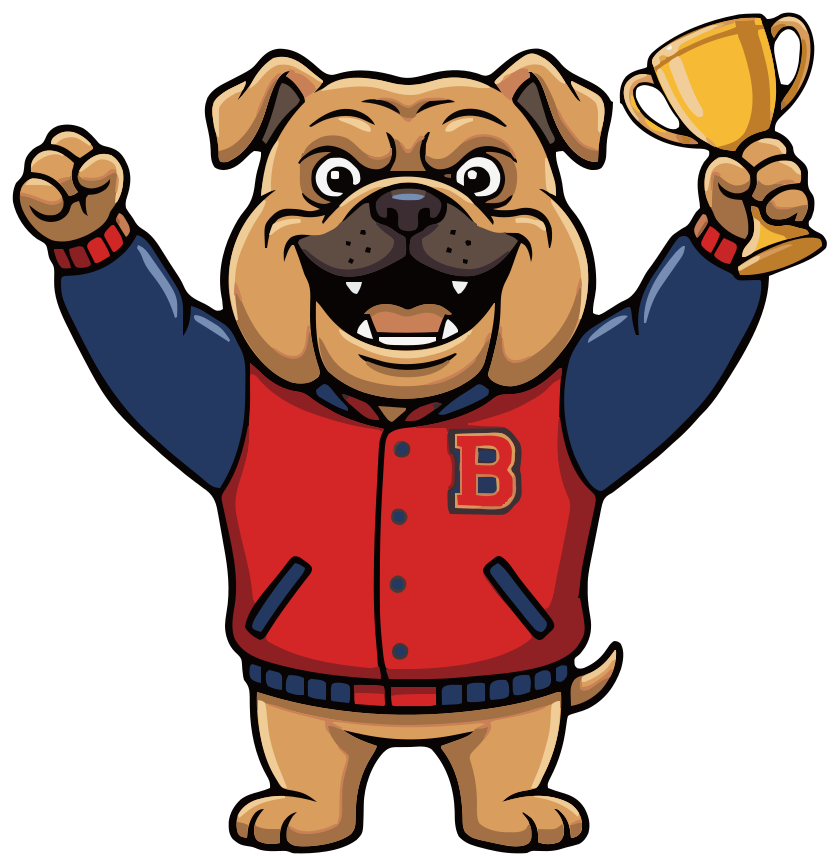
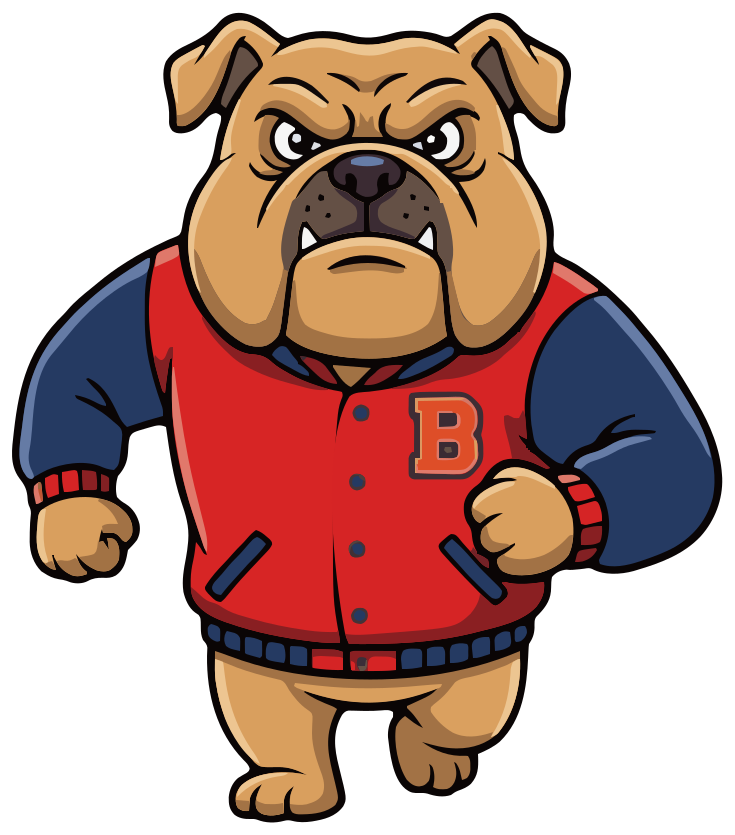
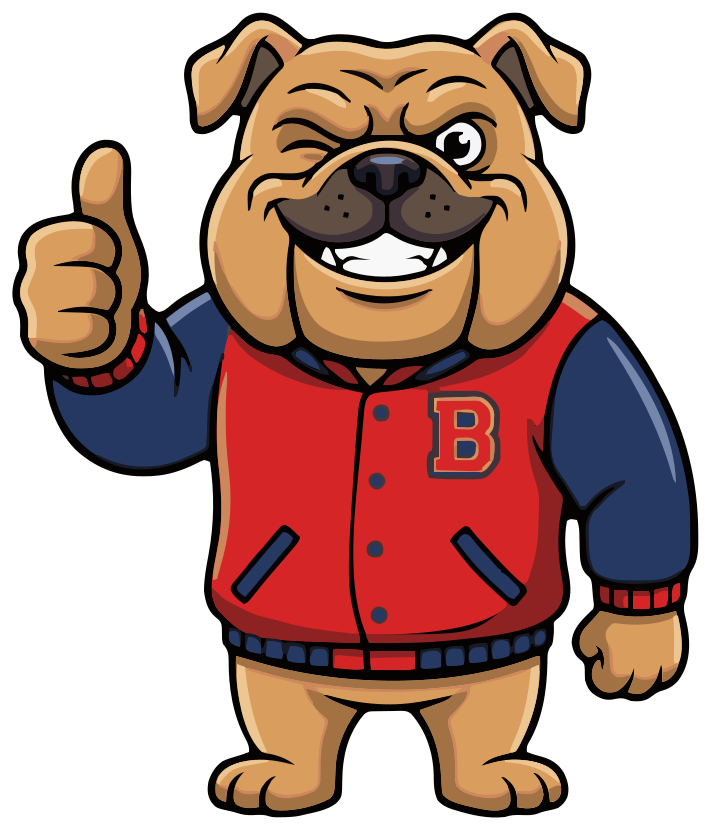
Meet Bruno. One sentence typed into SVG Mascot, an AI mascot generator, made the bulldog, and every pose after it is drawn from that same character. He comes as a vector file; you add the name. Here is the whole set, unedited.
- Same character in every pose
- SVG · PNG · WebP
- You add the name
Free to try with watermarked previews · Plans from $19/month · Cancel anytime
Base
How it was made
How to make a mascot logo
This is how Bruno was made, exactly as it happened in SVG Mascot: one prompt for the character, one per pose. No retouching and no redraws.
- 1
Describe the character
Say what it is, what it wears and the attitude you want. The outfit and the pose do most of the logo's work.
Prompt“a tough but friendly bulldog mascot wearing a red and navy varsity sweater, arms crossed, confident grin”
- 2
Pick your favorite draft
Bruno is the first draft that prompt produced. Choosing him as the base (the app calls it locking in) means every pose is drawn from him.
V1 · Locked in - 3
Ask for an icon pose first
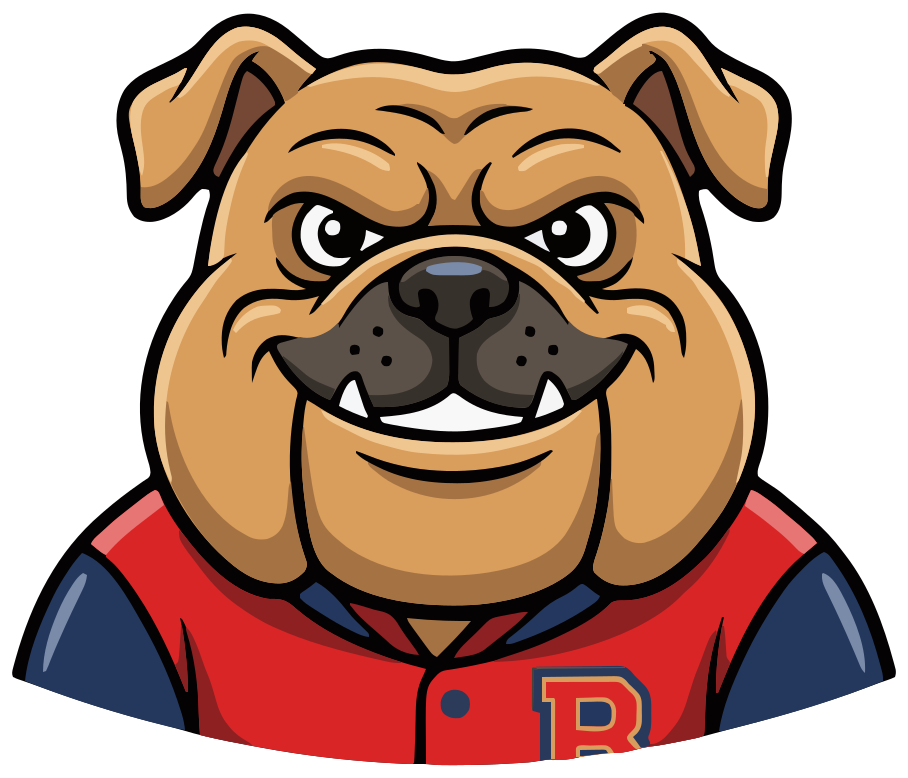
A full-body character gets lost at favicon size, so the first variation was a head-and-shoulders pose for small spaces.
Prompt“head and shoulders only, facing forward with a confident grin, like the emblem on a team badge”
- 4
Add poses for merch and socials
One short prompt each. The jacket, the colors and the face carry over because every pose starts from the same base.
-
- 5
Set the name in your design tool
Upload the SVG to Canva, or open it in Figma, Illustrator, Inkscape or Affinity Designer, and set your name beside or under the mascot. That is how the lockups below were made.
- 6
Download the files
Every pose comes as SVG, high-resolution PNG and WebP. Downloads need a paid plan; on the free plan you see watermarked previews.
Bruno as a team, shop and gym logo
A mascot logo is a character plus a name. The same character carries a stacked crest, a horizontal sign, a round badge, a favicon and a sticker, so every place the brand shows up looks related.
Northside Bulldogs
Youth football club
Bruno's Barbershop
Cuts & shaves
Northside Bulldogs × Hoodie patch
Northside Bulldogs
@northside · Avatar
Sticker Northside Bulldogs, Bruno's Barbershop and Ironside Gym are made-up names, typeset here in Fredoka, and the tab, patch, avatar and sticker are illustrative mockups. SVG Mascot draws no text; Bruno is unedited output from one project.
Vector, not pixels
The size test every logo has to pass
A logo lives in a browser tab, a profile picture, a website header and on a hoodie. Below are the real files drawn at those sizes, from 16 to 256 pixels.
At 64 pixels and below, the full-body Bruno turns into a blob, so the small sizes use his head-and-shoulders pose. Because both are vectors, every size is drawn sharp from the same file; nothing is resized from a bitmap.
-
16 px
Browser tab
-
32 px
Favicon
-
64 px
Profile picture
-
128 px
Site header
-
256 px
Print and merch
Browsers draw these from the SVG at each size. Print scales the same way: the file has no pixel size to run out of.
More mascot logo ideas
Each one is the first draft of the prompt under it, unedited.
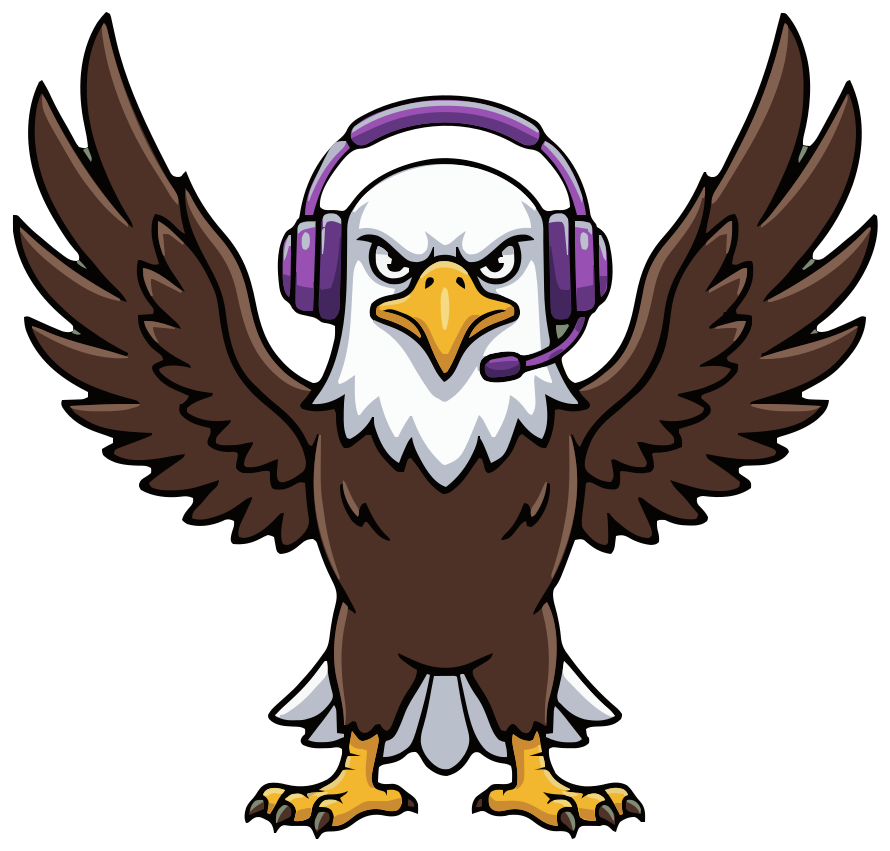
Esports team
“a fierce bald eagle mascot wearing a purple gaming headset, wings raised, determined look”
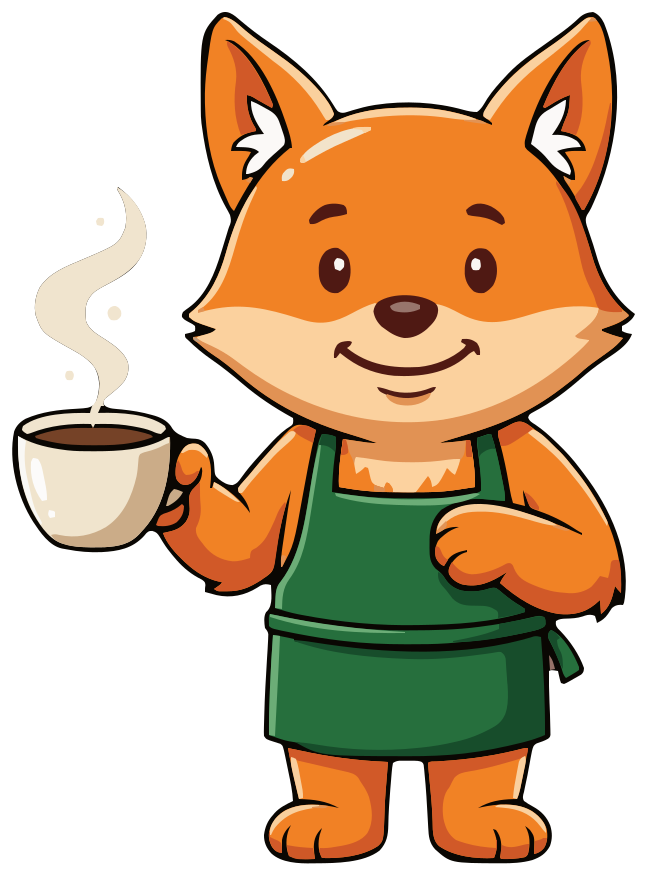
Coffee shop
“a clever orange fox mascot in a green barista apron holding a steaming coffee cup, warm smile”
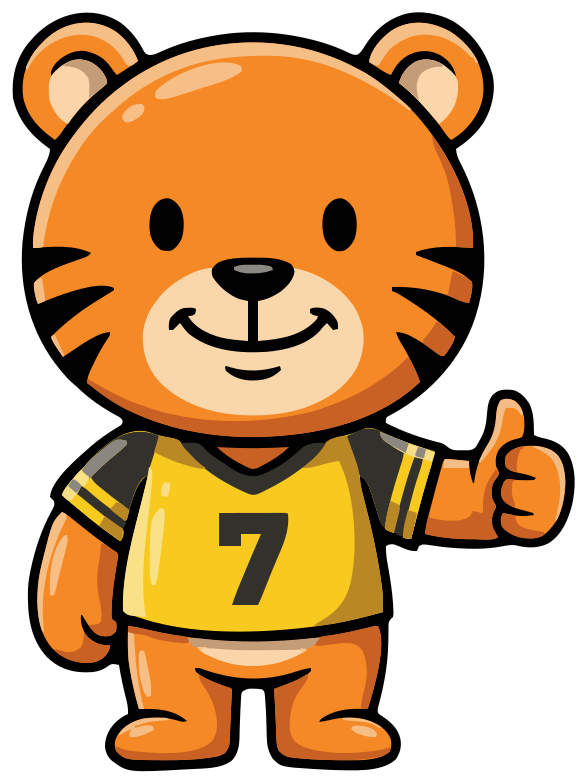
School team
“a friendly orange tiger cub mascot in a yellow and black sports jersey, giving a thumbs up”
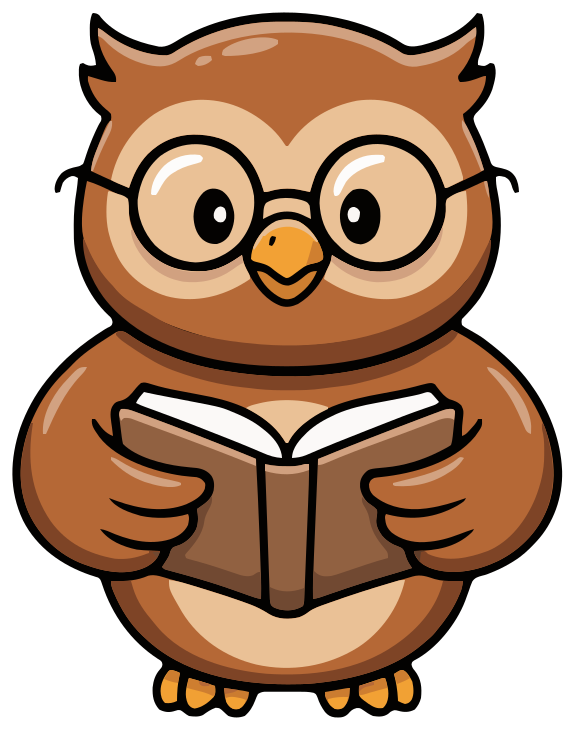
Bookstore or tutoring
“a wise brown owl mascot with round glasses holding an open book, kind smile”
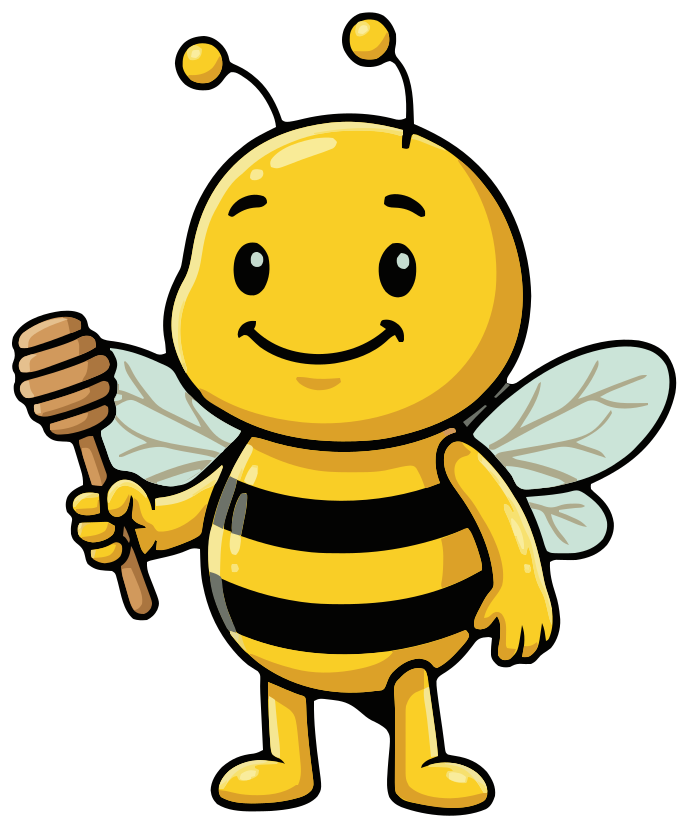
Honey or bakery brand
“a cheerful bumblebee mascot holding a small wooden honey dipper, big friendly smile”
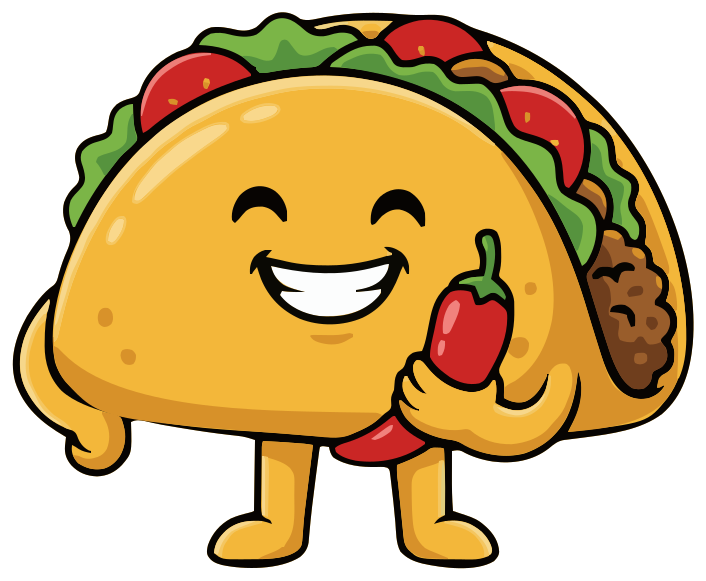
Food truck
“a happy taco mascot with little arms and legs, holding a red chili pepper”
What makes a mascot work as a logo
- 1 Pass the squint test. Blur your eyes and the silhouette should still say what it is; Bruno's ears, jaw and jacket do that.
- 2 Keep a head-and-shoulders pose for 64 pixels and below: favicons, app icons, profile pictures.
- 3 Give it one signature detail people remember: a varsity jacket, a barista apron, a gaming headset.
- 4 Match the attitude to the brand. Crossed arms read tough for a team or a gym; a wave reads friendly for a café.
- 5 Use few, strong colors. They survive embroidery, screen printing and dark backgrounds better than many subtle ones.
- 6 Decide the set you need before you start: a primary logo, an icon and one or two poses for merch and socials.
Mascot logo or wordmark?
A wordmark tells people your name; a mascot gives them something to remember and to like. Most brands with a mascot use both: the full lockup where there is room, the mascot alone where there is not, such as a favicon, an app icon or a sticker.
A mascot pays off when the brand talks to people often and informally: a team, a café, a game, an app with onboarding screens. If the logo only ever appears on invoices, a wordmark is enough.
Taking a mascot logo to print and merch
Printers, sign makers and embroidery shops ask for vector artwork, because they cut, stitch or scale it to the exact size of the job. The SVG is that artwork. If a shop asks for PDF or EPS, open the SVG in Illustrator or Inkscape and export it.
Screen printers usually charge per color, so count the main colors in your mascot and, if needed, merge similar shades in a vector editor before you send it. Embroidery is priced mostly by stitch count, so very fine detail may need simplifying for a small chest logo.
FAQ
Mascot logo questions
Can SVG Mascot put my brand name in the logo?
No. SVG Mascot draws the character only, with no text. Upload the SVG to Canva, or open it in Figma, Illustrator or Inkscape, and set the name in your brand font, as in the lockups above.
How does an AI mascot maker keep every pose the same character?
You pick one draft as your base mascot, and every pose is a variation drawn from that base, so the face, outfit and colors carry over. For favicons and app icons, ask for a head-and-shoulders pose, like Bruno's icon. If a pose drifts, generate another variation.
Can I match my brand colors?
Name the colors in your prompt, or iterate on a draft until they are right before you pick it as your base. After downloading, you can also recolor any shape in a vector editor.
Can I use the mascot logo commercially and trademark it?
Mascots you download are yours to use in personal and commercial projects, including logos and merch, with no attribution required. AI output can resemble existing works, so check that your logo does not infringe anyone's trademark before you register it.
What file formats do I get?
Every pose comes as an SVG vector file, a high-resolution PNG and a WebP. Use the SVG for print, signs and your website, and the PNG where a tool only accepts images.
How much does a mascot logo set cost?
A draft costs 2 credits, choosing it as your base mascot 10 and each pose 2, so a base with four poses like Bruno's is 20 credits. The Creator plan includes 60 credits a month for $19, and you can cancel it anytime in Settings. Before you pay, the free plan gives you 3 drafts, 3 variations and 1 base, as watermarked previews.
See plans and credit costs