
Use cases
App mascot: one character for every screen
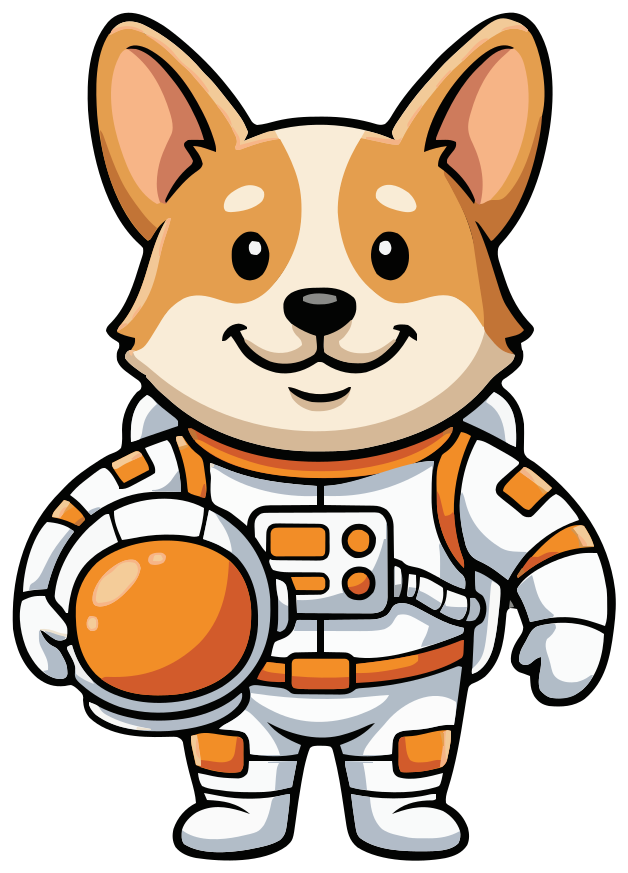
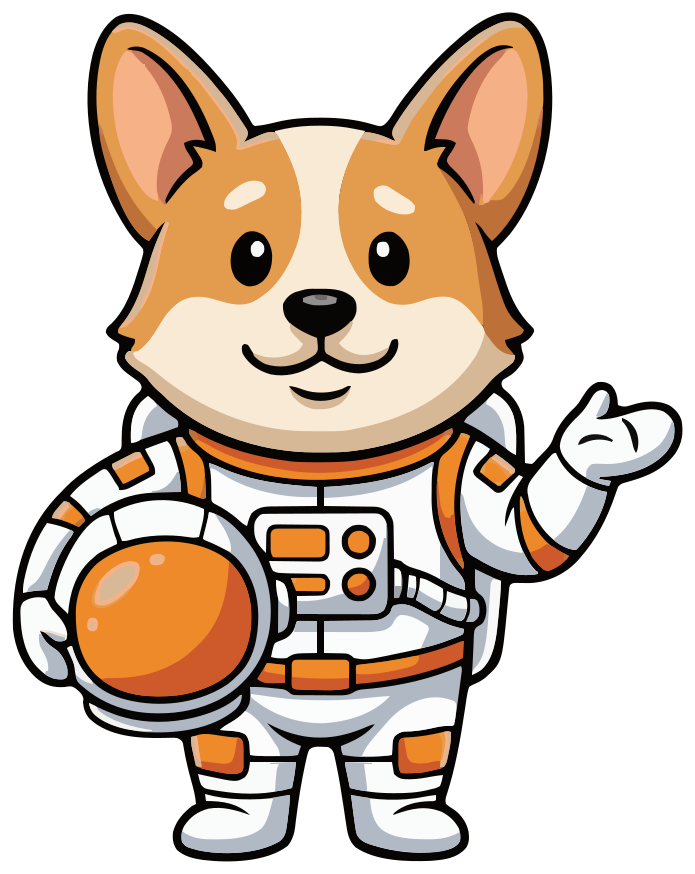
Meet Comet. An app mascot has a few jobs: welcome new users, nudge them back, celebrate a goal, cover for an error and give an assistant a face. Comet does all of them as the same character, drawn from one sentence typed into SVG Mascot. Here is the whole pack, unedited, and how to make one for your app.
- Same character in every pose
- SVG · PNG · WebP
- Yours to use commercially
Free to try with watermarked previews · Plans from $19/month · Cancel anytime
In the app
Comet on the job, screen by screen
An app needs its mascot in a handful of moments, not one hero image. Each screen below uses a different pose from the same pack.
-
Welcome
Hi, I'm Comet!
Let's set your first mission. It takes a minute.
Get startedOnboarding
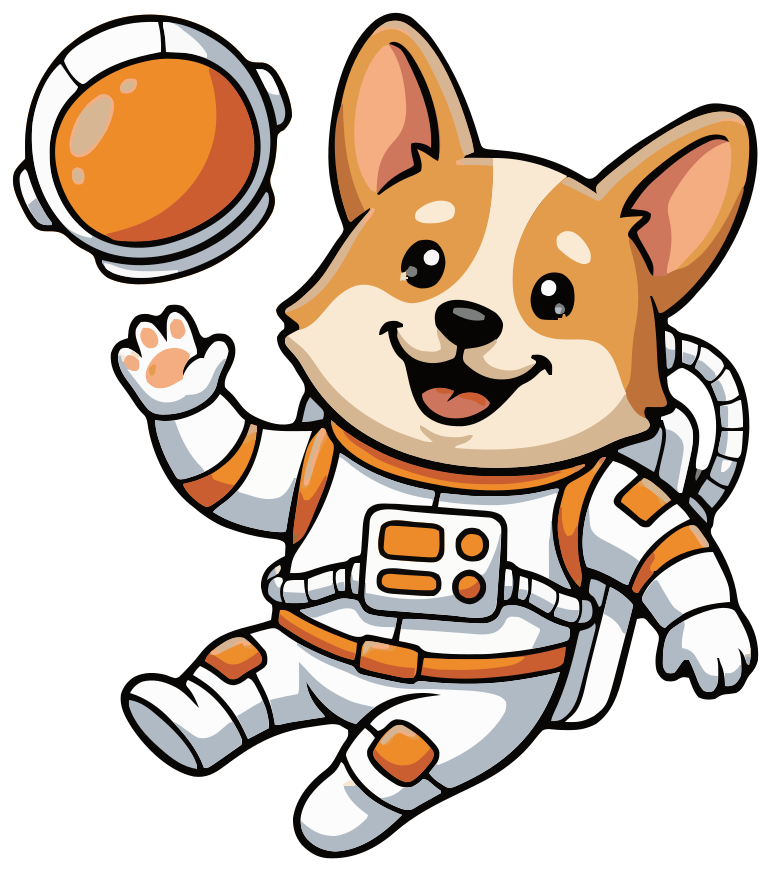
“floating in zero gravity and waving hello with one paw, big happy open smile, helmet off”
-
9:00 AM
Mission check-in
You planned 20 minutes of reading today.
Start nowReminder
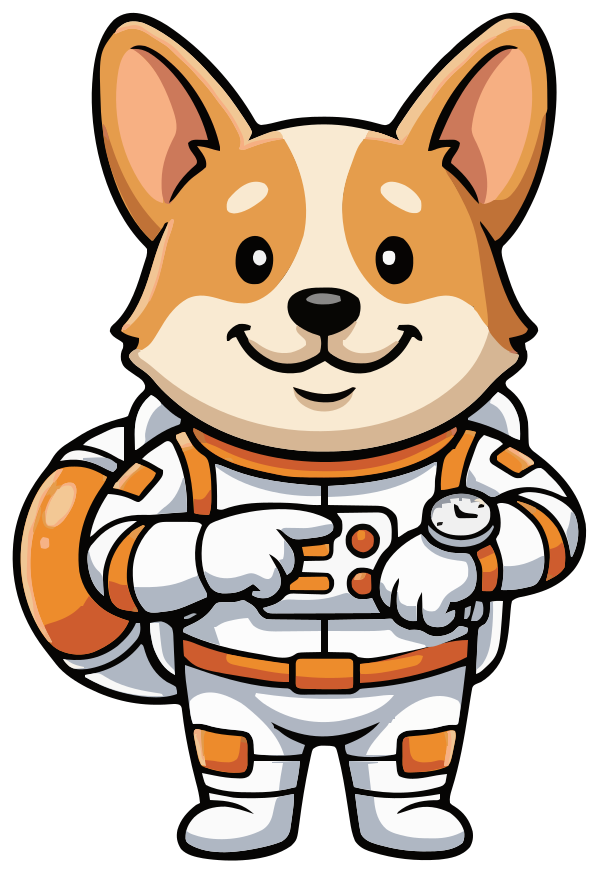
“checking a glowing screen on his wrist and pointing at it with the other paw, friendly reminder expression”
-
Week 1
Flag planted!
Seven days in a row. Ready for the next one?
ShareGoal reached
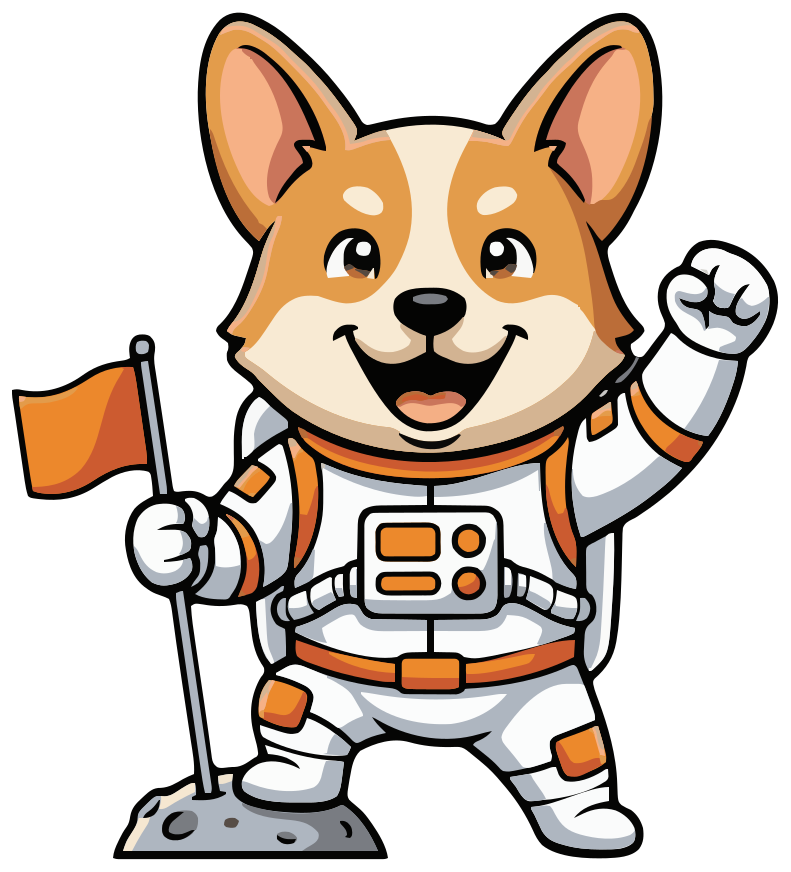
“proudly planting a small orange flag on a tiny grey moon, cheering with the other paw raised”
-
Uh-oh
Something broke
Comet is on it. Try again in a moment.
Try againError
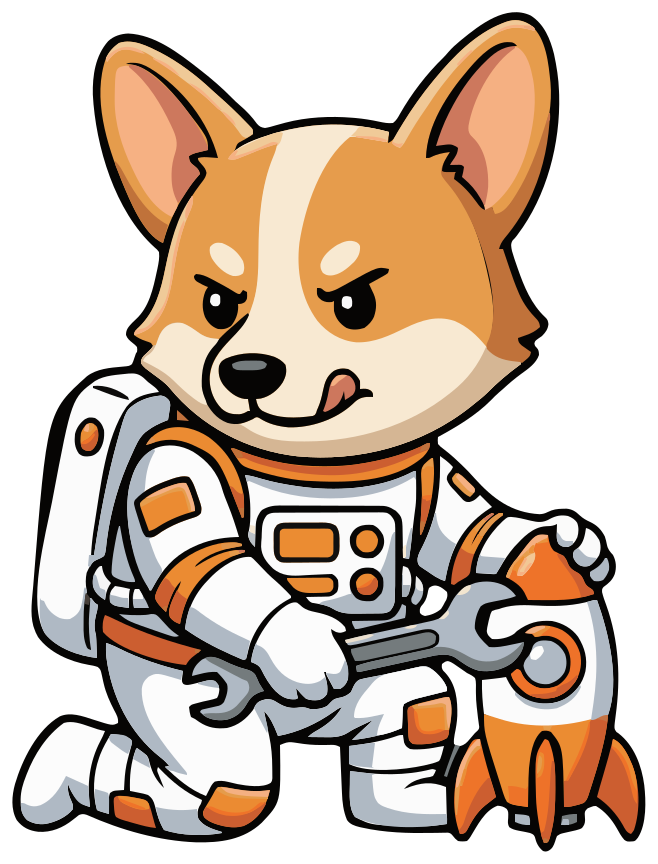
“holding a wrench and fixing a small orange and white toy rocket, focused expression with tongue slightly out”
-
Missions
Nothing here yet
Add your first mission and Comet will keep you on track.
+ New missionEmpty state
“shrugging with both paws open and empty, puzzled but friendly expression”
-
Mission help
Need a plan?
Ask about this week's missions and get a plan back.
Ask a questionAssistant chat
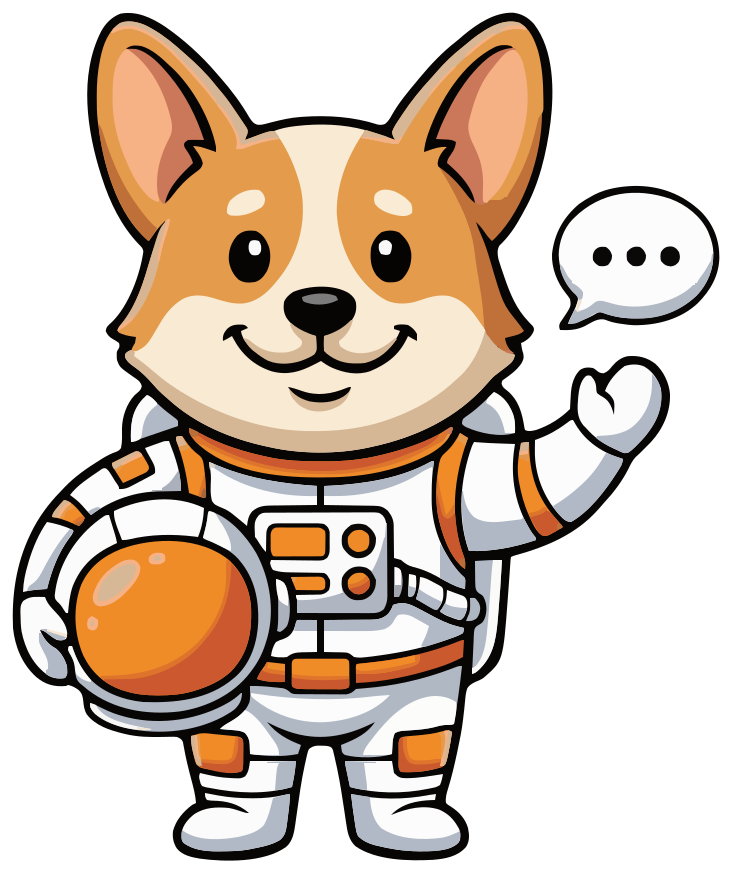
“holding a small speech bubble with three dots, friendly smile”
-
11:00 PM
Quiet hours
Reminders are paused until 8:00 AM.
Resume nowQuiet hours
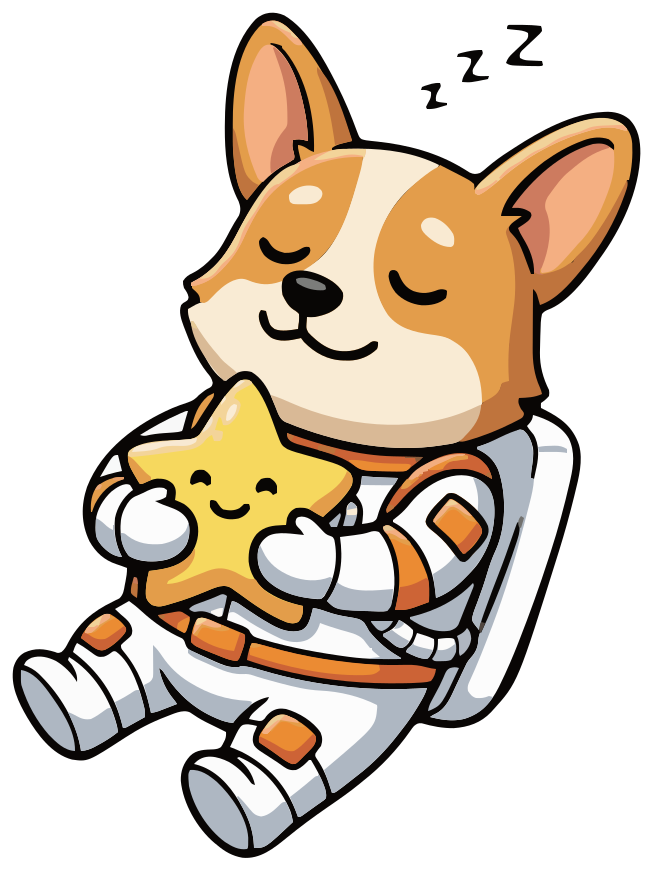
“sleeping peacefully while floating in space, eyes closed, hugging a small yellow star-shaped pillow, tiny zzz”
Launchpad is an illustrative app. Comet is unedited output from one project in SVG Mascot.
How it was made
How to make an app mascot
This is exactly how Comet was made in SVG Mascot. No retouching, no redraws: what you see is what the app delivered.
- 1
Describe the character
One sentence with the details that make it yours: the animal, the outfit, the signature prop.
Prompt“a cheerful corgi astronaut mascot in a white spacesuit with orange accents, holding a round space helmet with an orange visor under one arm, big friendly smile”
- 2
Pick a draft and lock it in
Comet is the first draft that prompt produced. Locking it in makes him the base every pose is drawn from.
V1 · Locked in - 3
Ask for a pose per screen
One short prompt per pose. Each one keeps his ears, suit, colors and face, because it starts from the locked base.
-
- 4
Add states for an assistant
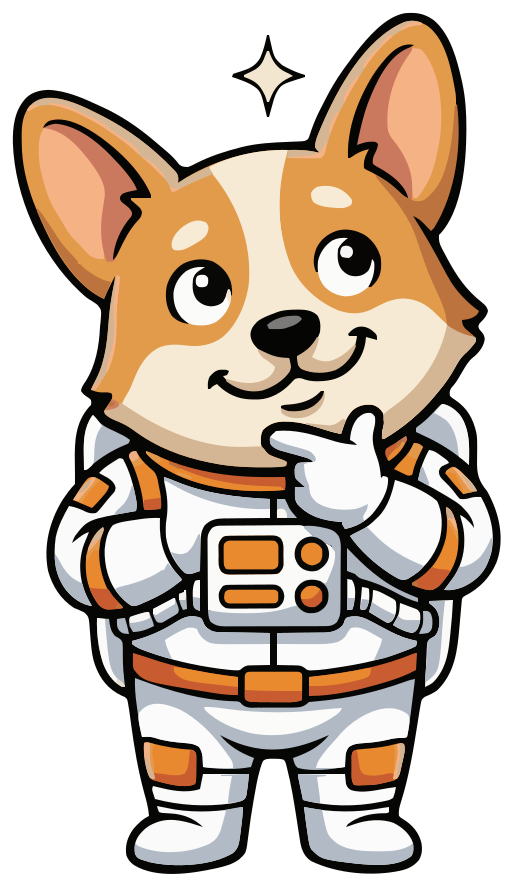
For a chat screen, two more variations: a thinking pose for while a reply loads, and a friendly one with a speech bubble beside it.
Prompt“head and shoulders, one paw on his chin, thinking, small sparkle above his head”
-
- 5
Download the files
Every pose comes as SVG, high-resolution PNG and WebP. Downloads need a paid plan; on the free plan you see watermarked previews.
Vector, not pixels
Sharp on every screen
Phones range from small budget screens to 3× displays, and the same artwork ends up in notifications, onboarding and store screenshots. A raster mascot needs a file per size and still blurs when scaled up.
Comet is a vector file. Zoom into his visor and the edges stay crisp at any size, from a tab-bar icon to a billboard.
SVG1.0×App mascot ideas by type of app
- Language and learning: a patient, curious animal that cheers a streak and looks gently let down when a day is missed. An owl is the familiar choice since a well-known language app made one famous, so a fox, a parrot or a turtle stands out more.
- Fitness and habits: an energetic character with a sporty prop, posed stretching, flexing at a goal and resting on rest days.
- Finance and budgeting: something calm and steady, like a squirrel with an acorn or a piggy bank with a face. Keep its error and overdraft poses sympathetic, never comic.
- Kids' and education apps: big round shapes, soft colors and one clear gesture per pose, so a young child reads the mood without words.
- Productivity and to-do lists: a quiet, tidy character that checks off a list or naps on an empty inbox, and stays out of the way the rest of the time.
- AI assistant or chatbot: a character that is plainly not a person, such as an animal, a robot or a friendly object, with an avatar, a thinking pose and an answer pose.
An AI assistant or chatbot mascot
A chatbot mascot is the face of your assistant, not the assistant itself. SVG Mascot draws the artwork; the replies come from whatever assistant you build. The art needs to cover a small set of states:
- Avatar: a head-and-shoulders pose that still reads at 32 to 40 pixels next to each message.
- Thinking: shown while a reply loads, like Comet's paw-on-chin pose with a sparkle.
- Answer: a friendly pose beside the reply or a typing indicator, like Comet with his speech bubble.
- Can't help: a shrug for errors and questions the assistant can't answer.
Keep it from looking like a person. An animal, a robot or an object tells users they are talking to software and avoids the uneasy look of a realistic face. A corgi in a spacesuit is never mistaken for a support agent.
App mascot design tips
- 1 Keep the silhouette simple so it still reads at notification and tab-bar sizes. Comet's ears and helmet do that work.
- 2 Tie the character to what the app does: an astronaut for missions and goals, a coin for savings, a book for reading.
- 3 Pick the four to six moments you need before you start, so every pose has a job.
- 4 Give each pose a prop or gesture that matches its screen: a flag for success, a wrench for errors, a pillow for quiet hours.
- 5 Leave room for copy. A mascot works best beside a short headline and one clear action.
The files
Every pose in three formats
-
iOS
Drop the SVG into an Xcode asset catalog with Preserve Vector Data on, or use the PNG.
-
Android
Import the SVG with Android Studio's Vector Asset Studio and it becomes a VectorDrawable.
-
Web
Use the SVG inline or as an image, or the WebP where a smaller raster is better.
-
Design tools
Open the SVG in Figma, Illustrator or Inkscape to recolour shapes or export more sizes.
FAQ
App mascot questions
Can the mascot be my AI assistant's avatar?
Yes, as artwork. SVG Mascot makes images, not a chatbot: you get poses to use as your assistant's avatar and its states, such as thinking while a reply loads. For a round avatar under 40 pixels, ask for a head-and-shoulders variation. Mascots you download are yours to use in your product.
Can I use the same mascot on iOS, Android and the web?
Yes. The SVG imports into Android Studio as a VectorDrawable and into an Xcode asset catalog with Preserve Vector Data turned on, and it works as-is on the web. Use the high-resolution PNG for App Store and Google Play screenshots.
Will every pose look like the same character?
Every pose is drawn from the base mascot you locked in, so it keeps the same shape, colors and features, as with Comet above. If a pose misses, describe it again; each variation is a separate generation.
How much does an app mascot pack cost?
A draft costs 2 credits, choosing it as your base mascot 10 and each pose 2, so a base with 8 poses like Comet's is 28 credits when every pose works on the first try. The Creator plan includes 60 credits a month for $19, and you can cancel it anytime in Settings. Before you pay, the free plan gives you 3 drafts, 3 variations and 1 base, as watermarked previews.
See plans and credit costs Can I animate the mascot?
The SVG is a standard vector file made of shapes you can move with CSS or open in Figma, Illustrator or Inkscape and bring into an animation tool.
Can I use the mascot commercially?
Yes. Mascots you download are yours to use in personal and commercial projects, including your app and its store listing, with no attribution required.