
Guides
Vector mascots: what an SVG file really gives you
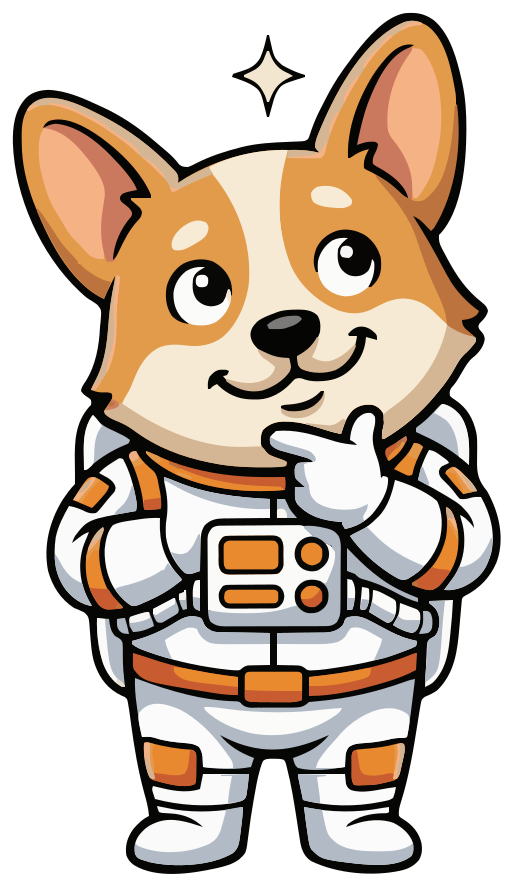
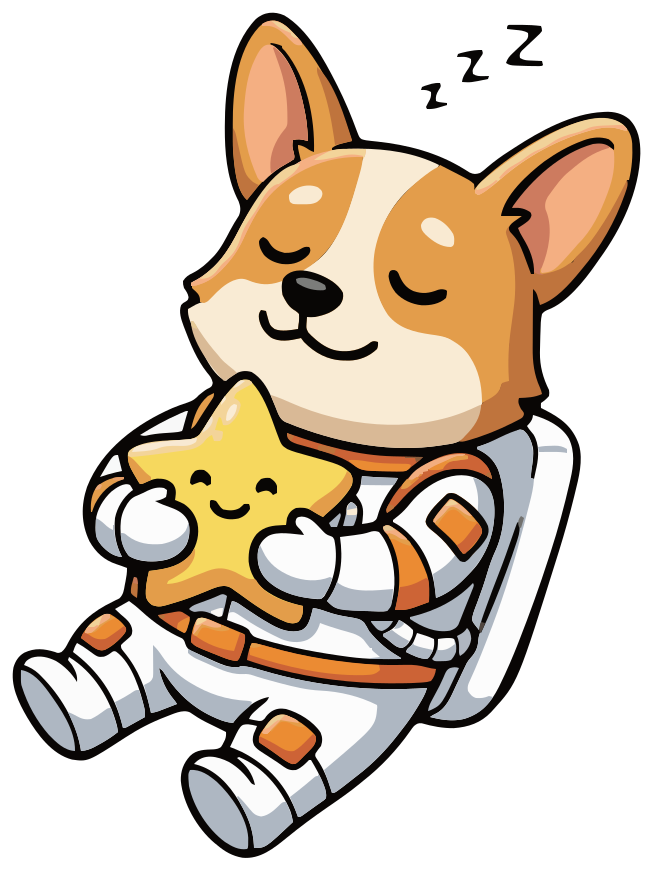
A vector mascot is stored as shapes, not pixels, so one file works at every size. This guide shows what that changes using real files: Comet, a corgi astronaut made in SVG Mascot. Every number on the page was measured on the files you see here.
- Shapes, not pixels
- Numbers measured on real files
- SVG · PNG · WebP
Free to try with watermarked previews · Plans from $19/month · Cancel anytime
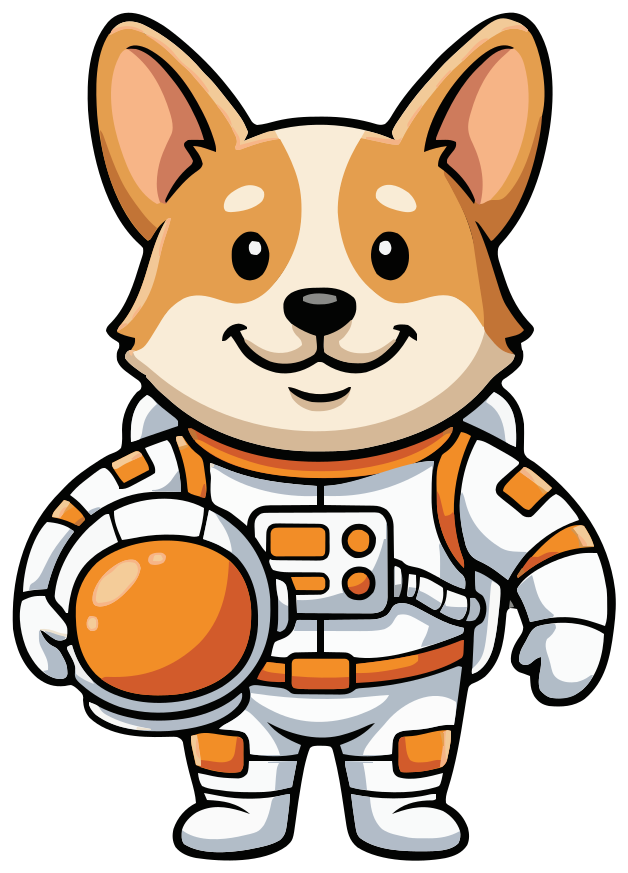
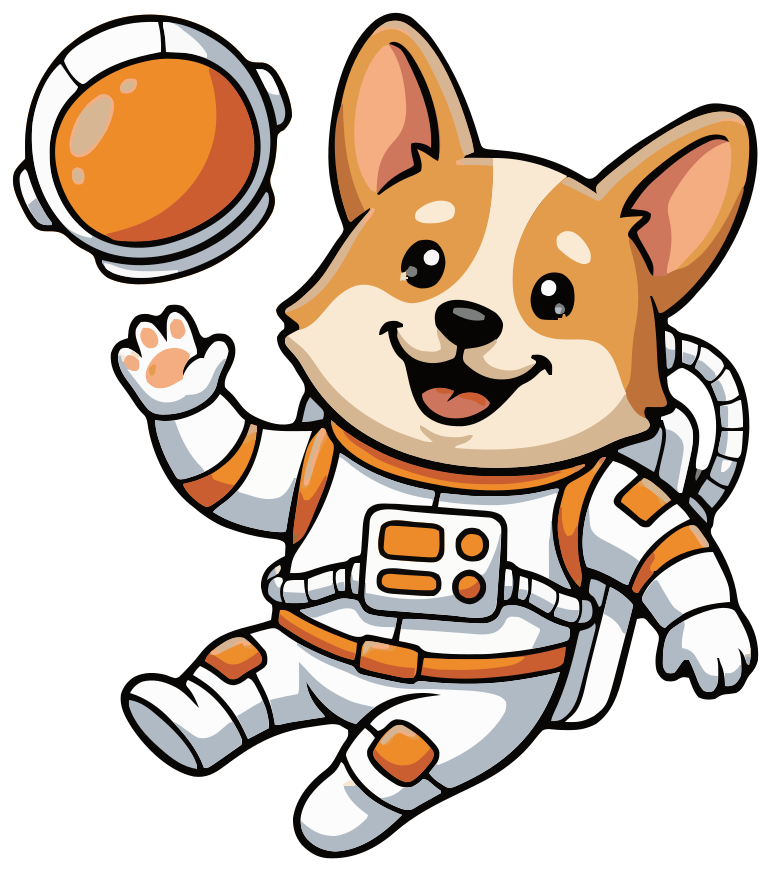
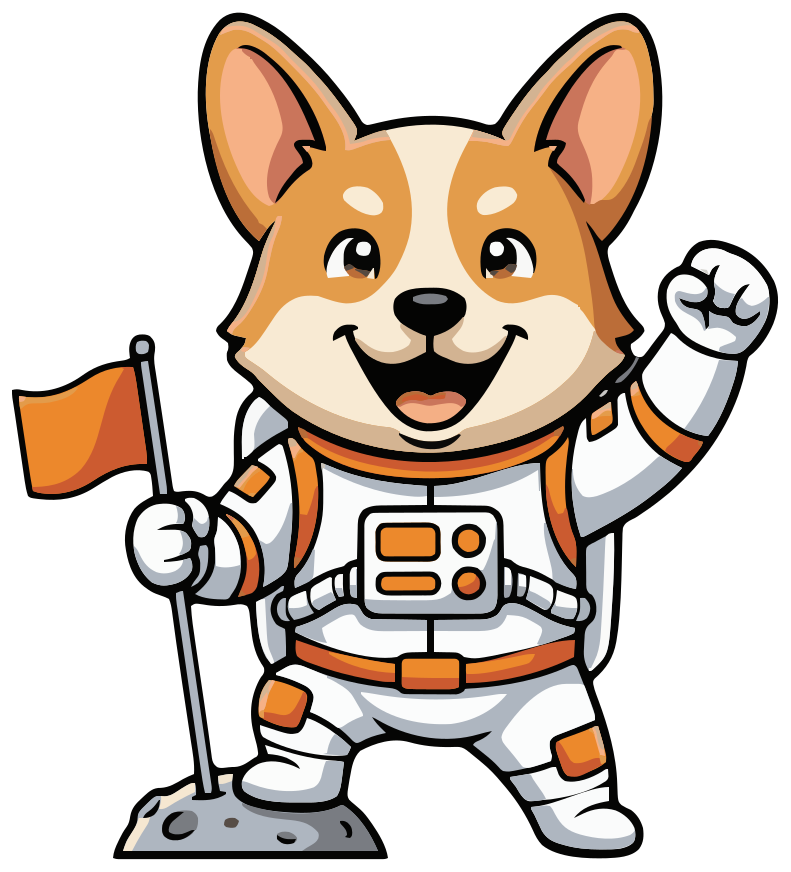
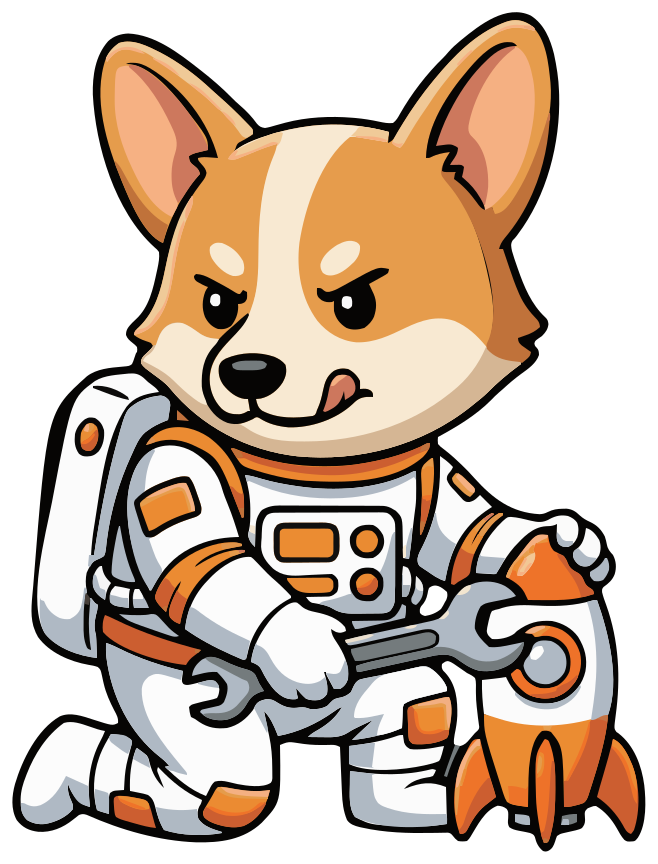
Base
What a vector mascot is
A PNG is a grid of colored pixels. Make it bigger than it was saved and the browser has to invent the missing pixels, so the edges go soft. An SVG is a text file that describes shapes: start here, curve to there, fill with this color. The browser draws those shapes fresh at whatever size you ask for, so the edges stay sharp at 16 pixels and on a poster.
Here is the first line of Comet's file. The viewBox is the drawing's own coordinate system, 628 by 873 units. Show the file 100 or 1,000 pixels wide and the browser maps those units onto that width. (We cropped the viewBox to the character for this page; it is the only change we make to the files.)
<svg xmlns="http://www.w3.org/2000/svg" viewBox="194 76 628 873" width="628" height="873">After that line come the shapes: 164 filled paths, nothing else. No embedded bitmap, no gradients, no strokes, no groups. The black outlines are filled shapes too, so they shrink and grow with the drawing.
Vector, not pixels
One file at every size
These are not five exports. It is comet.svg five times, each an image tag at a different width, so your browser draws every size from the same shapes.
Vector keeps the edges sharp; it does not add detail. At 16 and 32 pixels a full-body character is only a few pixels wide and the face is lost. For icons, ask for a head-and-shoulders pose, like the icon pose on the mascot logo page.
-
16 px
Browser tab
-
32 px
Toolbar icon
-
64 px
List row
-
128 px
Card
-
256 px
Page header
Each size is the same 73 KB file. A raster mascot would need its own export per size, or blur when stretched.
Vector, not pixels
Zoom in until it should break
Drag the slider to 16×. The image is laid out at the zoomed size, not stretched, so the browser redraws the paths at each step and the button on Comet's chest panel keeps clean edges.
Look closely and you can also see where the file came from: the button that reads as round is a slightly uneven traced shape, which a hand-drawn vector would not be. At normal sizes you cannot tell, and you can smooth any shape in a vector editor.
SVG1.0×SVG vs PNG file size, measured
An SVG's size depends on how many shapes it has, not on how big it is drawn. A PNG's size grows with its pixel count. Here are three of our mascots, each SVG next to PNGs rendered from it:
- Comet: SVG 73 KB (27 KB gzipped). PNG 166 KB at 1024 px, 370 KB at 2048 px.
- Bruno, the bulldog from the mascot logo page: SVG 73 KB (27 KB gzipped). PNG 163 KB at 1024 px, 363 KB at 2048 px.
- Pip, the fox cub from the Duolingo-style guide: SVG 54 KB (20 KB gzipped). PNG 147 KB at 1024 px, 333 KB at 2048 px.
How we measured: the SVG is the file as it appears on this page. Each PNG was rendered from that SVG with sharp, fitted into a transparent 1024 × 1024 or 2048 × 2048 square, with sharp's default PNG settings. Gzipped is the SVG compressed with Node's zlib at its default level, roughly what a web server sends for a text file. 1 KB is 1,024 bytes.
The PNG is not always bigger. Rendered at 256 px, Comet's PNG is 34 KB, under half the SVG. A PNG optimizer would also shrink every PNG above. The SVG's advantage is that its size stays the same whatever size you draw it.
Changing a color in the SVG
Every shape carries its color in a fill attribute. This is one complete path from comet.svg, part of the lower orange button on his chest panel:
<path d="M557,649c2.5,1.5,2.5,1.5,4,3c-1.75,4.45-4.65,6.9-8.96,8.92c-3.67,1.45-6,2.08-10.04,2.08c-.6-5.99-.6-5.99,1.04-8.77c4.19-5.06,7.5-6,13.96-5.23Z" fill="#F28D27"/>- In a text editor, find and replace the hex code. Replacing #F28D27 recolors 8 shapes.
- In Figma, select the mascot and change the colors listed under Selection colors.
- In Illustrator, select the artwork and use Recolor Artwork.
- In Inkscape, click a shape and use Edit › Select Same › Fill Color, then set a new fill.
One catch, and it comes from tracing: what looks like one orange is several almost identical shades. The suit trim and visor in comet.svg use six hex codes, from #F18D27 to #F38E27, across 17 shapes, so replacing #F28D27 alone changes only some of them. Replace all six and the whole trim changes, while the darker orange shading stays as it was. The file has 80 distinct fill values in all, and its shapes are not grouped or named, so plan to group them yourself if you edit a lot.
Animating a vector mascot with CSS
SVG Mascot exports still files: each pose is its own SVG, PNG and WebP, with no animation. Simple motion is a few lines of CSS. This bounce works on the SVG in a plain image tag, and people who have asked their system for reduced motion see it standing still:
.mascot {
  animation: bounce 2s ease-in-out infinite;
}
@keyframes bounce {
  0%, 100% { transform: translateY(0); }
  50% { transform: translateY(-6%); }
}
@media (prefers-reduced-motion: reduce) {
  .mascot { animation: none; }
}
Use it as <img class="mascot" src="comet.svg" alt="Comet waving">. To swap poses, say from waving to thinking, change the src or fade between two images. For a character that moves its arms or talks, rebuild it in an animation tool and use the SVG as the starting artwork.
When a PNG is the better file
- Email. Many email clients, Gmail among them, do not display SVG images. Use the PNG.
- Social posts and profile pictures. Most networks only accept raster uploads such as PNG or JPEG.
- App Store and Google Play screenshots. Both stores take PNG or JPEG, not SVG.
- Small fixed sizes. If the mascot only ever appears at one small size, a PNG or WebP at that size can be the lighter file, as Comet's 34 KB PNG at 256 px shows.
- Tools that only take images. Some slide, chat and document tools import SVG and some do not; the PNG works everywhere.
That is why every pose comes as all three: the SVG as the master file, the high-resolution PNG and the WebP for wherever a vector is not accepted.
The files
Every pose in three formats
-
iOS
Drop the SVG into an Xcode asset catalog with Preserve Vector Data on, or use the PNG.
-
Android
Import the SVG with Android Studio's Vector Asset Studio and it becomes a VectorDrawable.
-
Web
Use the SVG inline or as an image, or the WebP where a smaller raster is better.
-
Design tools
Open the SVG in Figma, Illustrator or Inkscape to recolour shapes or export more sizes.
FAQ
Vector mascot questions
Is it a real vector or a traced bitmap?
Both, in order. The character starts as an image from third-party AI models. Our own pipeline then removes the background, cleans up noise, reduces the colors to a flat palette and traces each color into vector shapes. What you download contains only those shapes: no embedded bitmap, so it scales and edits like any vector. It is not hand-drawn, though, so expect more points and color shades than an illustrator would use.
Can I edit the SVG in Illustrator, Figma or Inkscape?
Yes. It is a standard SVG file, so it opens in Illustrator, Figma, Inkscape, Affinity Designer or a browser, where you can recolor shapes, adjust paths or export other sizes. The shapes come ungrouped, one color each.
Can I get the mascot as EPS or PDF?
SVG Mascot delivers SVG, PNG and WebP. For EPS or PDF, open the SVG in Illustrator or Inkscape and save or export it in that format; the shapes stay vector.
Does the PNG have a transparent background?
Yes. The PNG and the WebP are rendered from the SVG with a transparent background, so the mascot sits on any color. The free plan's watermarked previews are the exception: they are flat images.
Can I download the SVG on the free plan?
No. The free plan gives you 3 drafts, 3 variations and 1 base mascot as watermarked previews, so you can see the character before you pay. Downloading the SVG, PNG and WebP needs a paid plan, including for mascots you made for free.
How much does a vector mascot set cost?
A draft costs 2 credits, choosing it as your base mascot 10 and each pose 2, so a base with 5 poses like the Comet set above is 22 credits. The Creator plan includes 60 credits a month for $19, and you can cancel it anytime in Settings.
See plans and credit costs