
Guides
How to create a mascot like Duolingo's
Duolingo's owl works because it has a job inside the app and a feeling for each moment of it. This guide builds an original character on the same principles: Pip, a fox cub for a made-up language app, with the real prompts and every emotion, unedited.
- One character, five emotions
- The real prompts
- SVG · PNG · WebP
Free to try with watermarked previews · Plans from $19/month · Cancel anytime
Base
What makes Duolingo's mascot work
Open the app for a week and three things stand out. None of them is about being an owl or being green.
- 1 It has a job. Duo is not a logo parked in a corner: it turns up in lessons, reminders and streak screens, so meeting the character is part of using the app.
- 2 Its feelings follow your actions. A finished lesson, a streak kept, a day missed: each gets its own reaction, so the emotion always means something.
- 3 Its shape is simple. A round body, big eyes and one main color still read as the same character on an app icon or in a notification.
Those are principles, not a look, and you can copy them without copying the owl. The rest of this guide does exactly that with a new character.
Duolingo and Duo are trademarks of their owner. SVG Mascot is not affiliated with or endorsed by Duolingo.
In the app
Pip in Wordlark, one emotion per moment
A learning app has a handful of moments that repeat every day. Give each one an emotion and the mascot always has something to say. Here is Pip in each of them.
-
Spanish · Unit 2
Ready for lesson 4?
Ten new words about food. Pip is right here with you.
Start lessonLesson start
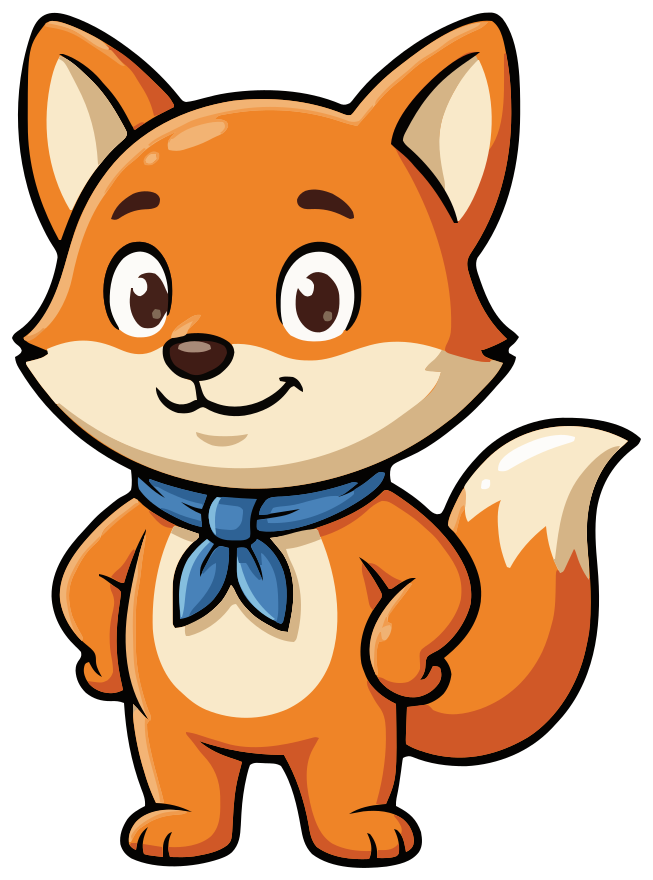
“a round, friendly orange fox cub mascot with big expressive eyes, a small blue scarf and a simple bold silhouette”
-
Question 3 of 8

Need a hint?
It's a fruit, and it starts with “man”.
Try againHint
“paw on chin, one eyebrow up, thinking”
-
Lesson 4
Lesson complete
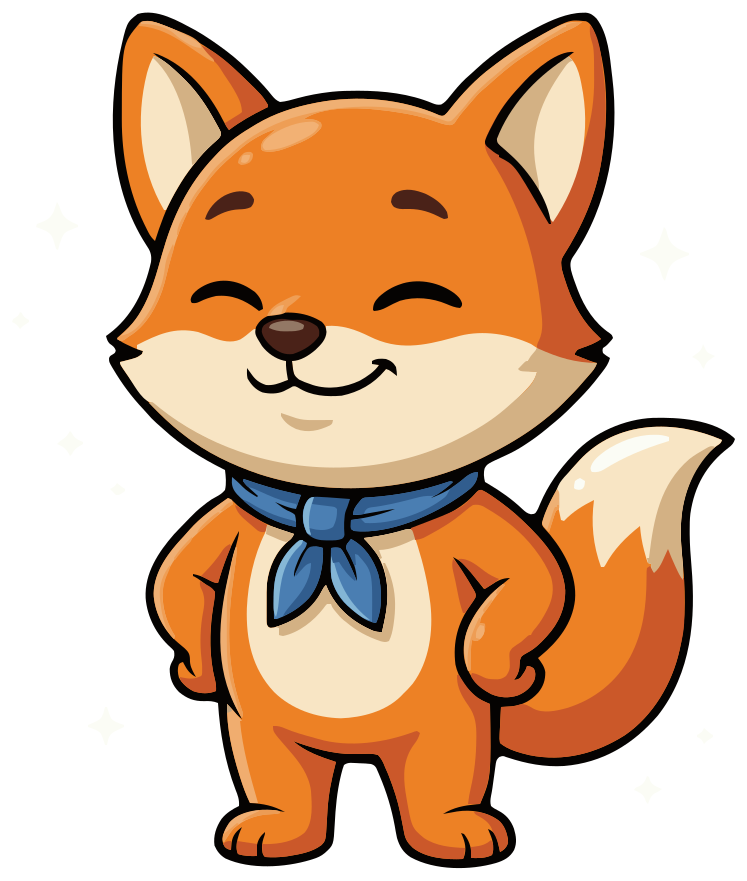
Ten new words learned. Pip is proud of you.
ContinueLesson done
“standing tall with paws on hips, eyes closed, proud smile, small sparkles around him”
-
Day 5
5-day streak!
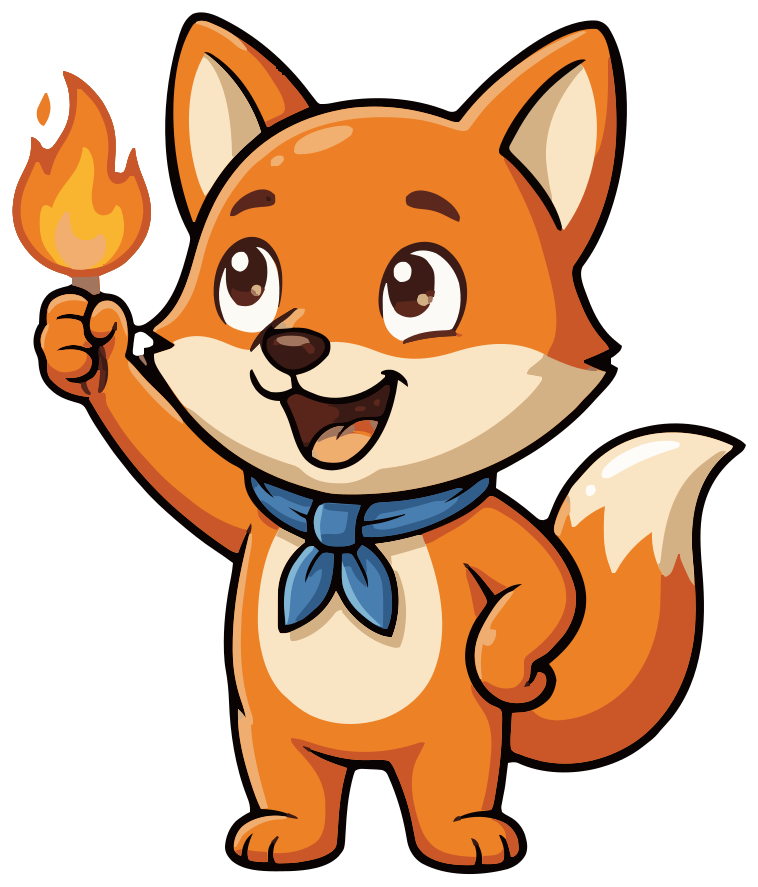
One lesson tomorrow keeps the flame going.
ContinueStreak
“holding a small flame like a torch, excited”
-
Welcome back
We missed you
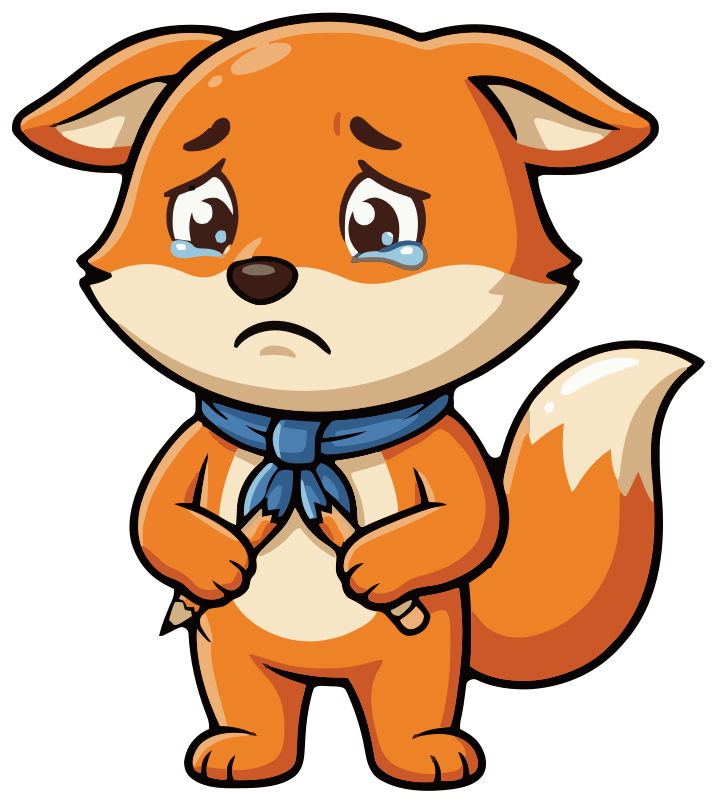
Life gets busy. A short lesson picks up where you left off.
Start a short lessonMissed day
“ears down, teary eyes, holding a small broken pencil”
-
Unit 2
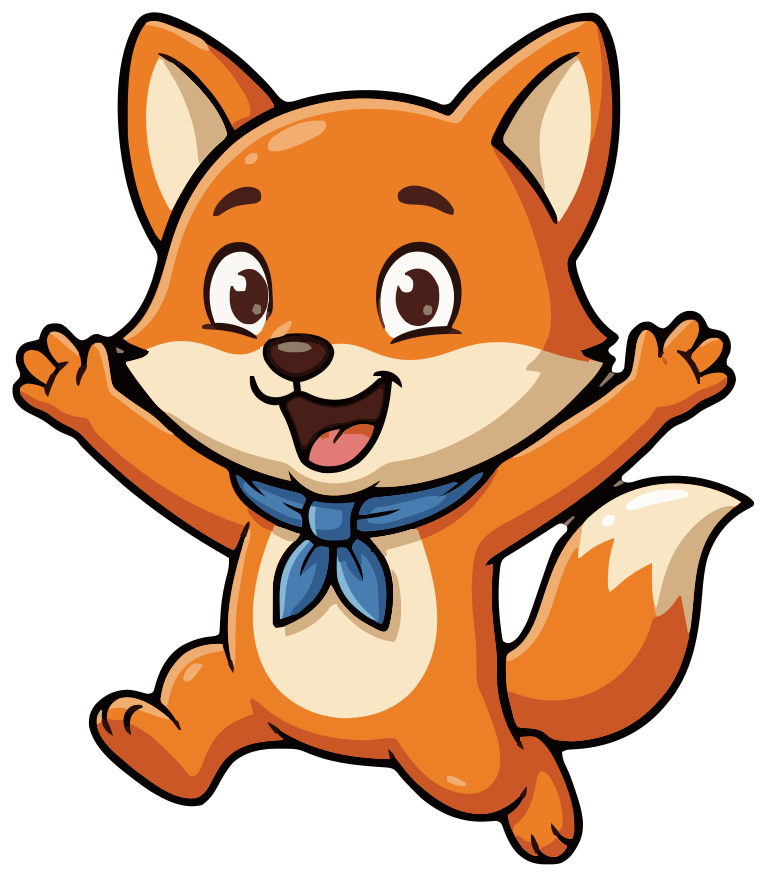
Unit finished!
You can order lunch in Spanish now.
ShareGoal reached
“jumping with both paws up, mouth open, cheering”
Wordlark is a made-up language app for this guide. Pip is unedited output from one project in SVG Mascot.
How it was made
How to create an app mascot, step by step
This is how Pip was made in SVG Mascot, in order: the decisions first, then one prompt for the character and one per emotion. No retouching and no redraws.
- 1
Write the personality in three words
Decide who the mascot is before you decide what it looks like. Pip's three words are friendly, eager and encouraging. Every pose and every line of copy should fit them; a sarcastic or strict mascot is a different character.
- 2
Give it a job in the product
Pip is Wordlark's study buddy: he opens lessons, gives hints and reacts to how you did. List the moments the mascot will appear in now, because each one becomes an emotion later.
- 3
Design the base character
Pick an animal or object that fits the product and is not someone else's. A fox cub, not an owl; orange, not green. Ask for a round, simple silhouette and one accessory, here the blue scarf, so it still reads at icon size.
Prompt“a round, friendly orange fox cub mascot with big expressive eyes, a small blue scarf and a simple bold silhouette”
- 4
Lock the base
Pip is the first draft that prompt produced. Choosing him as the base (the app calls it locking in) means every emotion is drawn from him, so the face, scarf and colors carry over.
V1 · Locked in - 5
Add one emotion per app moment
One short prompt each: the pose, the feeling and a prop when the moment has one, like a flame for the streak. Start with the moment users see most. For a finished lesson, that was this one:
Prompt“standing tall with paws on hips, eyes closed, proud smile, small sparkles around him”
- 6
Finish the set
The other four took one prompt each, printed under each phone in Wordlark above. None of them describes the fox again: the base carries the character, so a variation prompt only says what changes. The lesson-start screen uses the base itself; not every moment needs a new pose.
-
- 7
Put it in your screens
Download every emotion as SVG, high-resolution PNG and WebP, then place each one in the screen it was made for, as in Wordlark above. Downloads need a paid plan; on the free plan you see watermarked previews.
Where to use an app mascot
- Push notifications and reminders: the face is what people recognize at that size, so pick a pose with a clear expression.
- Streak and progress screens: the moments people come back for, and the natural home for proud and cheering poses.
- Empty states and errors: a thinking or sad pose softens a screen that would otherwise be a blank box or an error code.
- Onboarding: the base pose introduces the character before it starts reacting to anything.
- Store screenshots and social posts: the same files, so the character people see before installing is the one they meet in the app.
Mistakes to avoid
- 1 Copying Duo's look. A green owl with big round eyes reads as a knockoff and belongs to someone else. Borrow the principles, not the bird.
- 2 Too many details. Stripes, badges and patterns vanish at notification size. Pip has one accessory, the scarf.
- 3 A mascot with no job. If it only appears on the splash screen, people stop noticing it. Give it moments.
- 4 A sad pose that blames. Use it for empathy, next to copy that offers an easy way back, not guilt.
- 5 An emotion that misses the moment. Cheering on an error screen reads as mockery.
- 6 Making emotions before you lock a base. Without one, each pose drifts into a slightly different character.
FAQ
App mascot questions
Can I make a mascot that looks like Duo?
No. Duo is Duolingo's own character, and our Acceptable Use Policy does not allow copies of existing copyrighted characters, logos or trademarks you have no right to use. Under our Terms you are also responsible for making sure your mascot does not infringe anyone's trademark. Use the principles instead, with a character of your own, as Pip does.
Read the Acceptable Use Policy How many emotions does an app mascot need?
One for each moment it appears in. A typical set is five to eight: a neutral pose for onboarding, then success, streak or progress, a hint or tip, a gentle sad pose for a missed day or an error, and a celebration. Pip has five plus the base. Start with the moments people see most; every emotion you add later is drawn from the same locked base.
Do I need an illustrator to design an app mascot?
Not to get started. You can design the character and its emotions from text prompts, as with Pip, and the SVG opens in Figma, Illustrator or Inkscape if you want to adjust a shape or a color. An illustrator still helps if you want a hand-drawn style or custom animation built around your brand.
Can I animate my mascot like Duolingo does?
SVG Mascot makes still images: every emotion is its own SVG, PNG and WebP file, and the app does not export animation. The SVG is made of shapes, so simple motion such as a bounce or a fade from one emotion to the next is a few lines of CSS. For a character that moves and talks, rebuild it in an animation tool such as Rive or a Lottie workflow, using the SVG as the starting artwork.
Can I use the mascot in my app commercially?
Yes. Mascots you download are yours to use in personal and commercial projects, including your app, its store listing and your marketing, with no attribution required. AI output can resemble existing works, so check that yours does not infringe anyone's trademark before you register it.
How much does a mascot set like Pip's cost?
A draft costs 2 credits, choosing it as your base mascot 10 and each emotion 2, so a base with five emotions like Pip's is 22 credits. The Creator plan includes 60 credits a month for $19, and you can cancel it anytime in Settings. Before you pay, the free plan gives you 3 drafts, 3 variations and 1 base, as watermarked previews.
See plans and credit costs